
01 — Ad Zones
7 Ad Zones, Ready To Fill
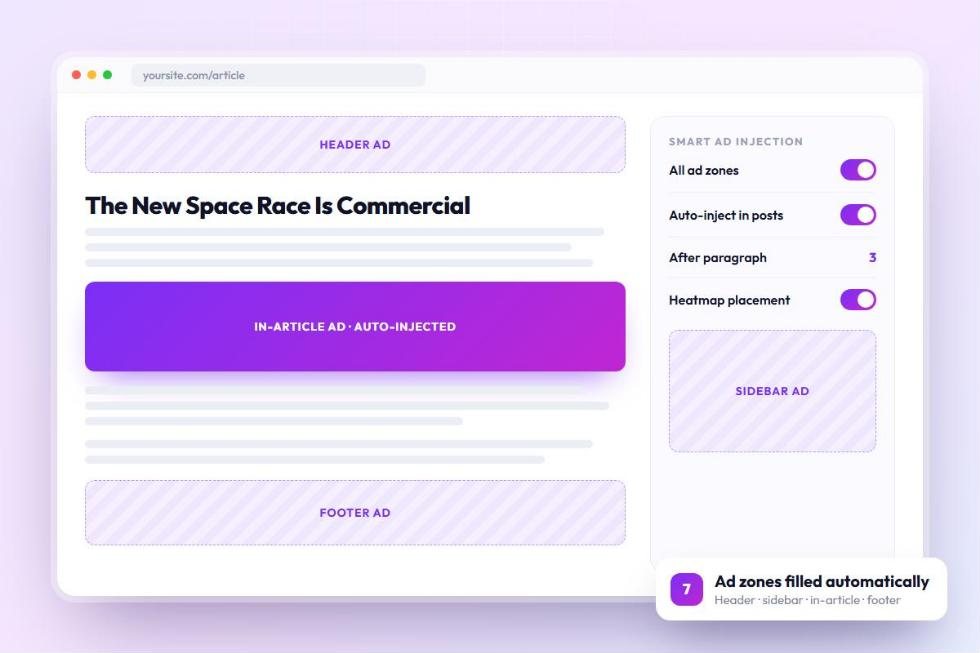
Header, sidebar, sticky sidebar, inside articles, after content, footer and a mobile banner come built in. Add your AdSense slots and your layout is ready to earn.
See How Ads Work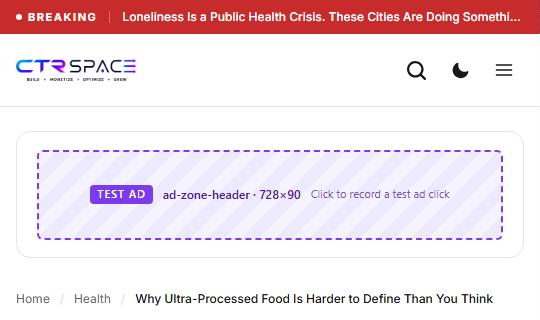
The WordPress Publisher Package
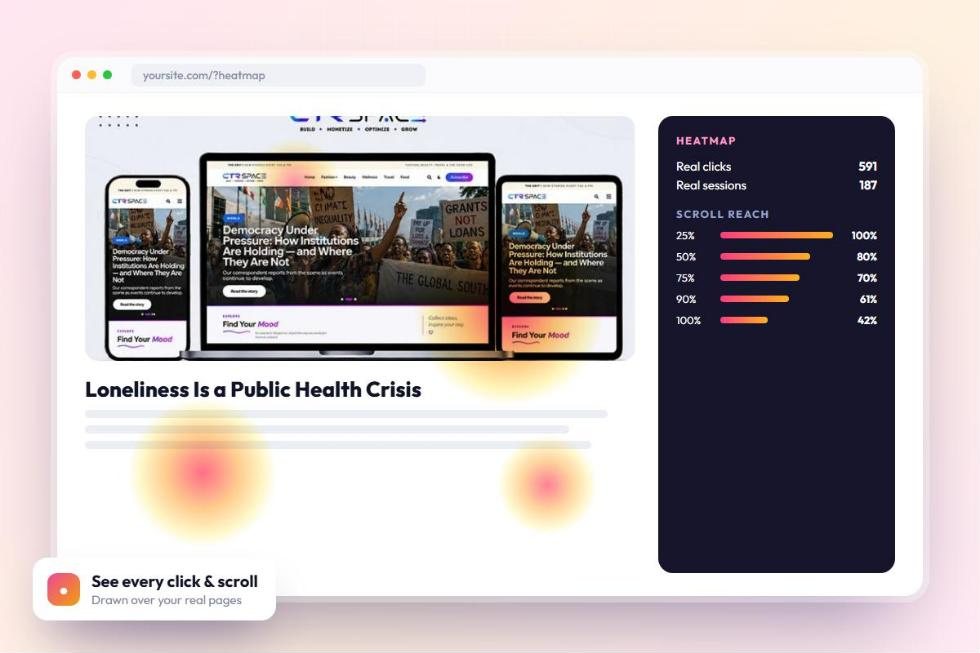
Launch with any CTRSpace theme, let automatic ad placement put ads inside your posts for you, and see where readers click and how far they scroll with built-in heatmaps. Design, ad tools and reader insights in one yearly licence.
Strategy, design and technology working together for measurable results.
Award-winning creative work for ambitious brands worldwide.
View PortfolioOther themes stop at design. CTRSpace puts ads on your pages for you, learns which spots earn the most and shows you exactly how readers behave. You spend your time writing, and your site does the rest.
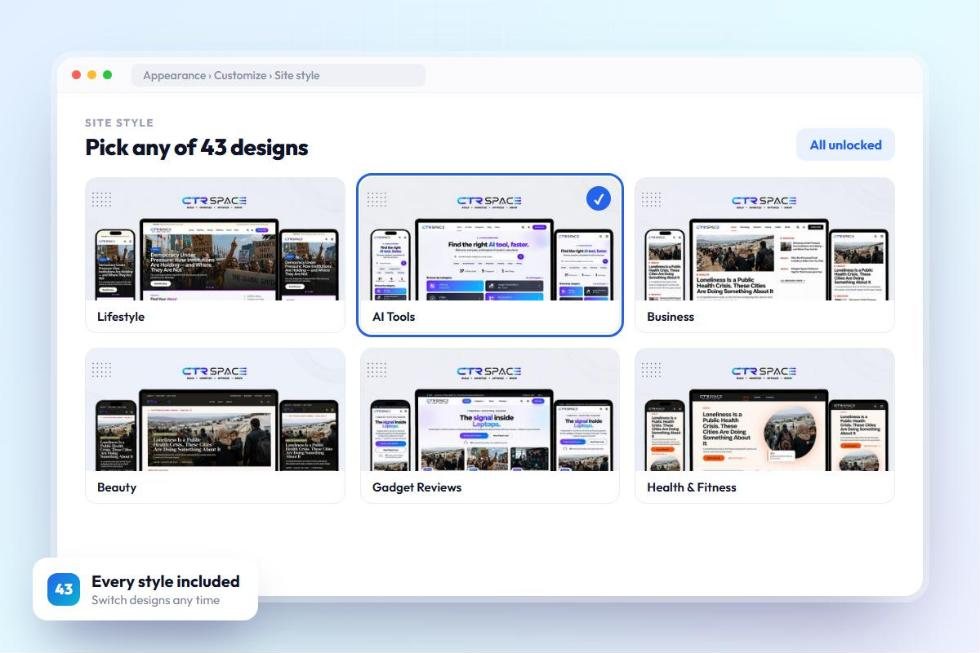
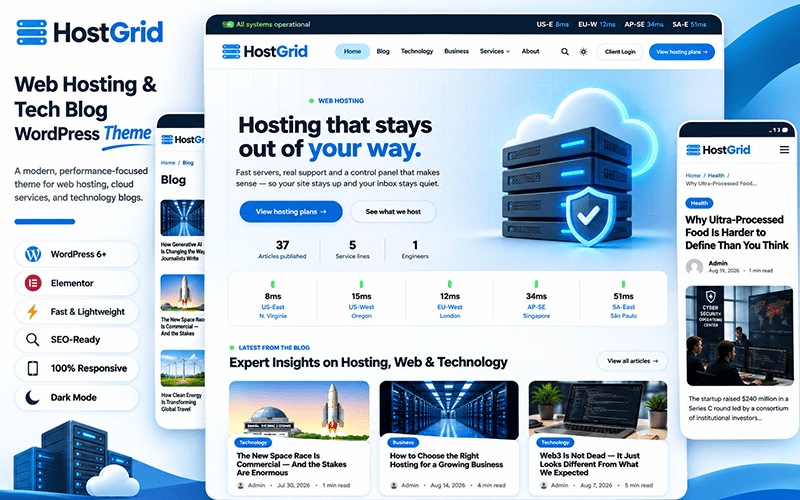
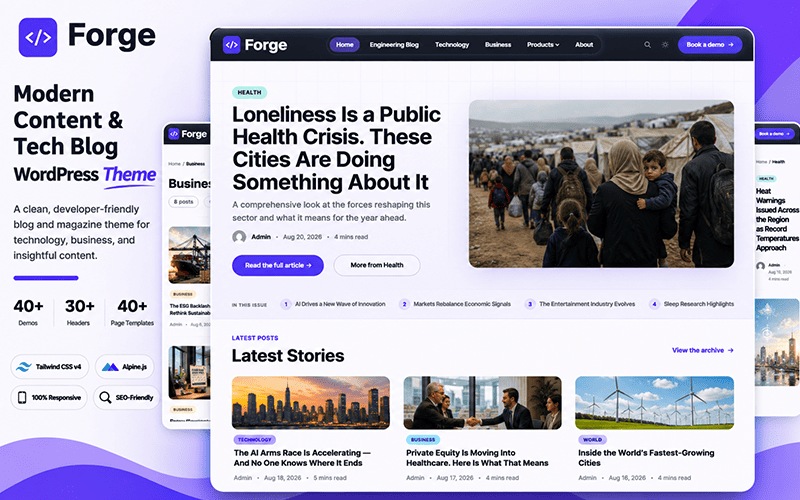
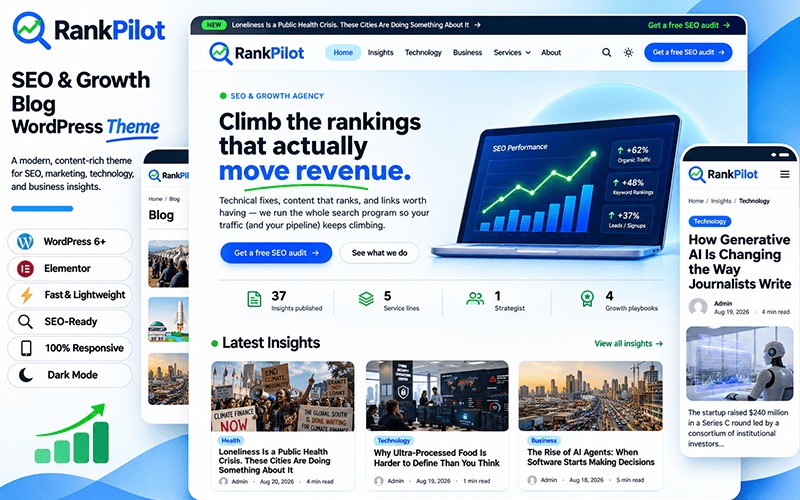
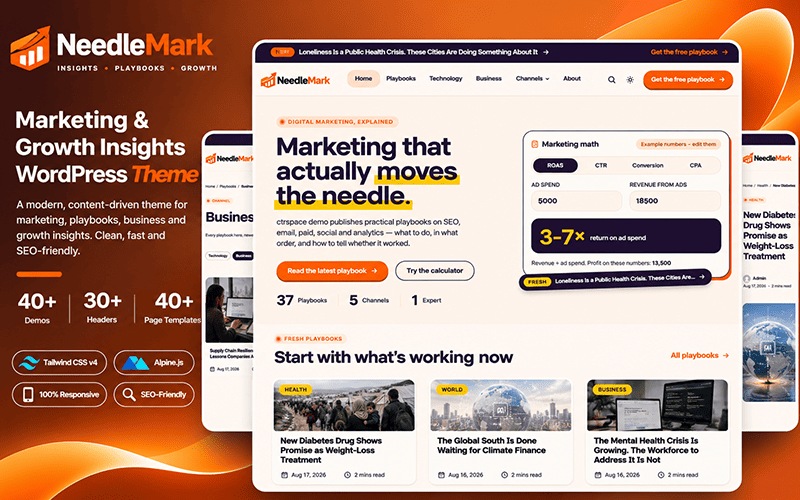
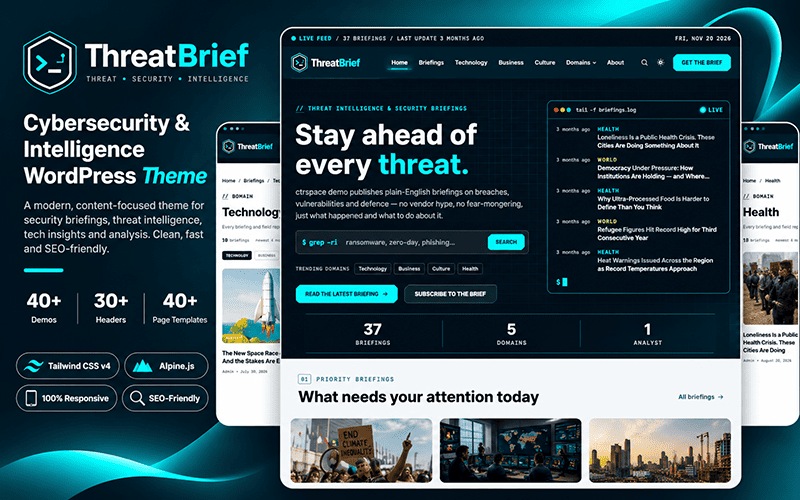
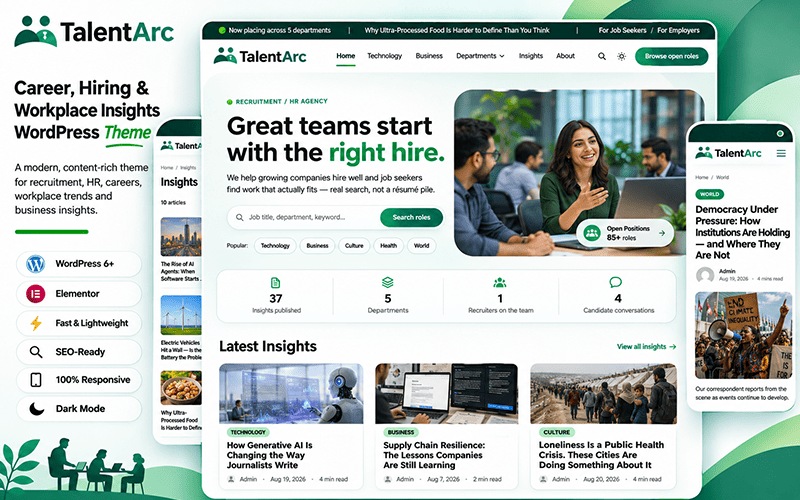
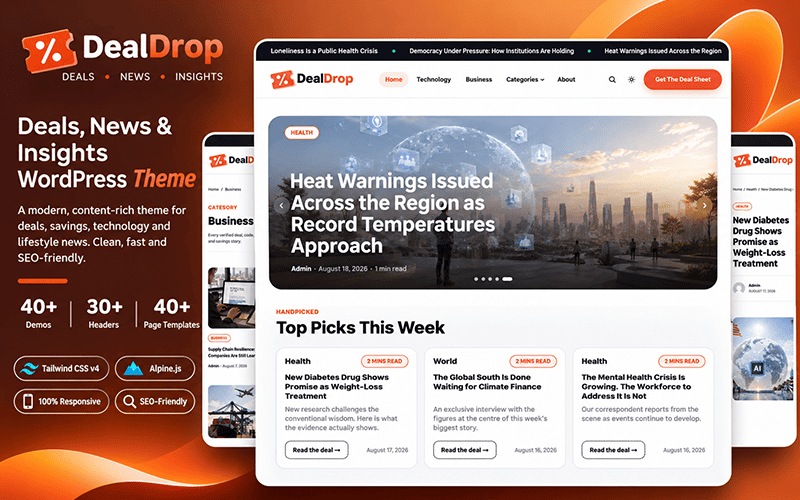
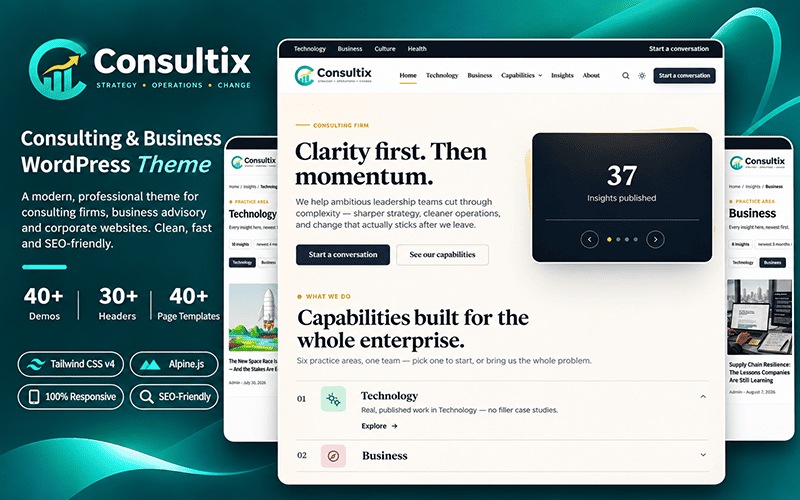
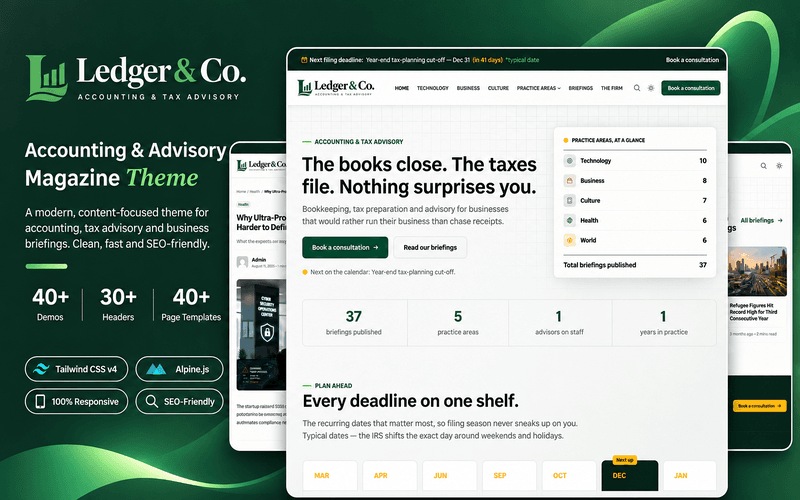
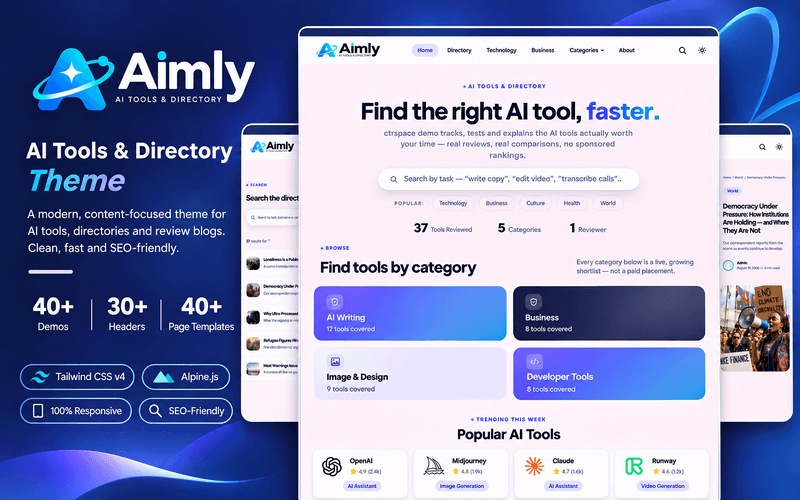
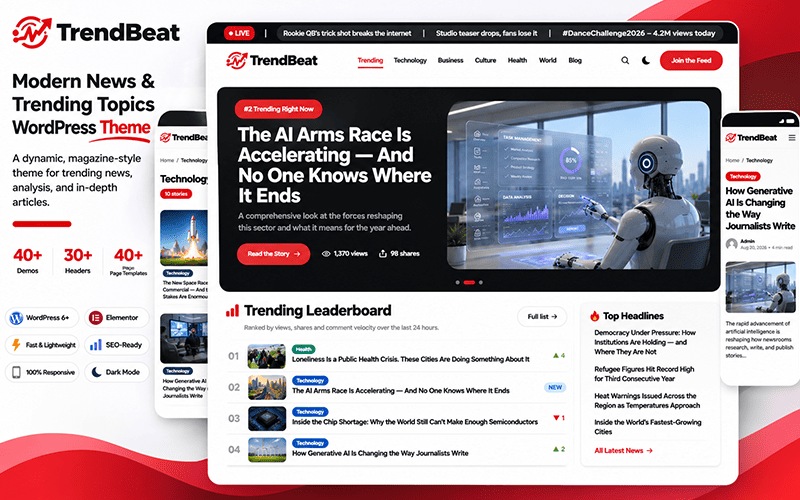
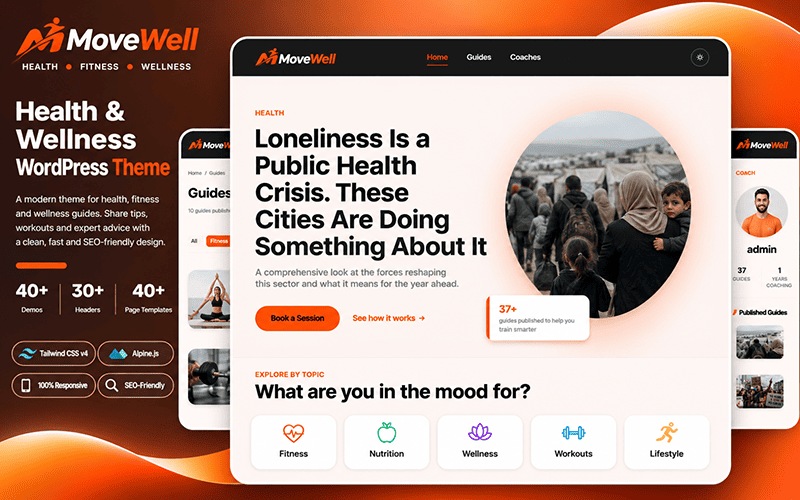
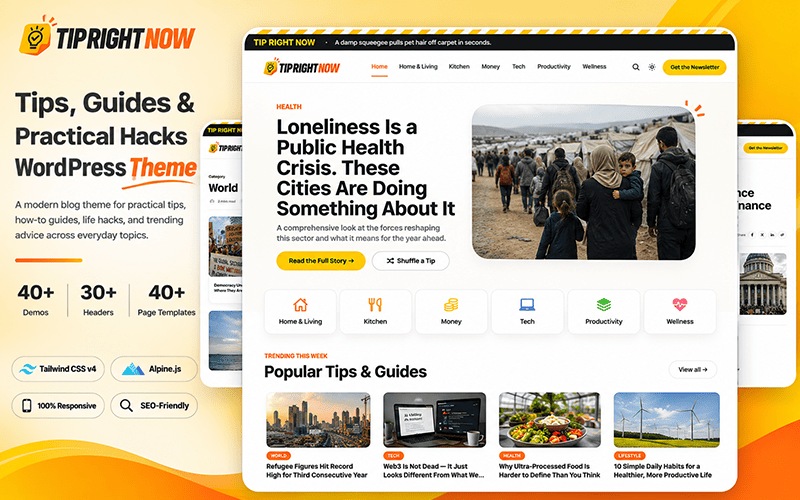
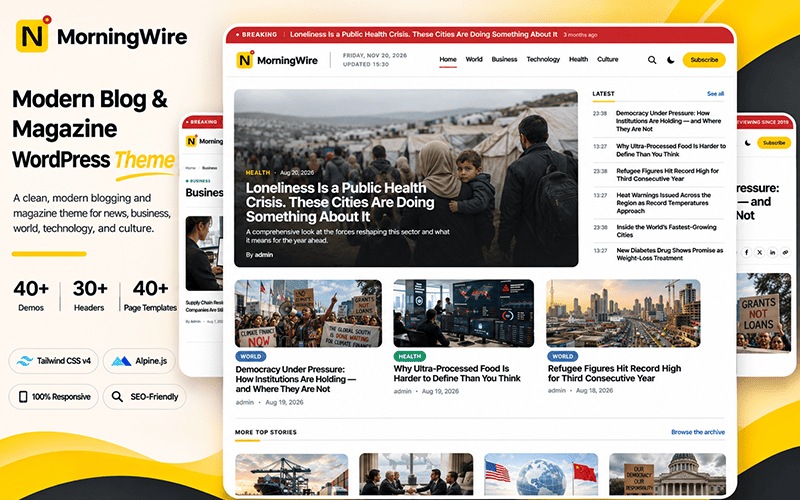
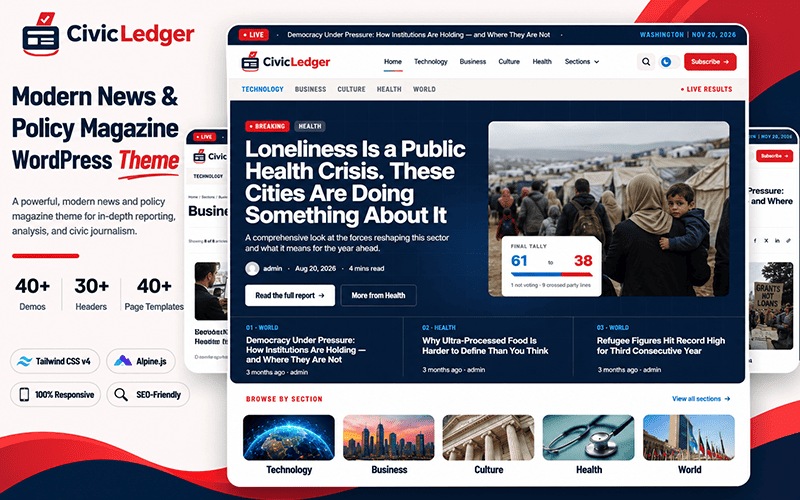
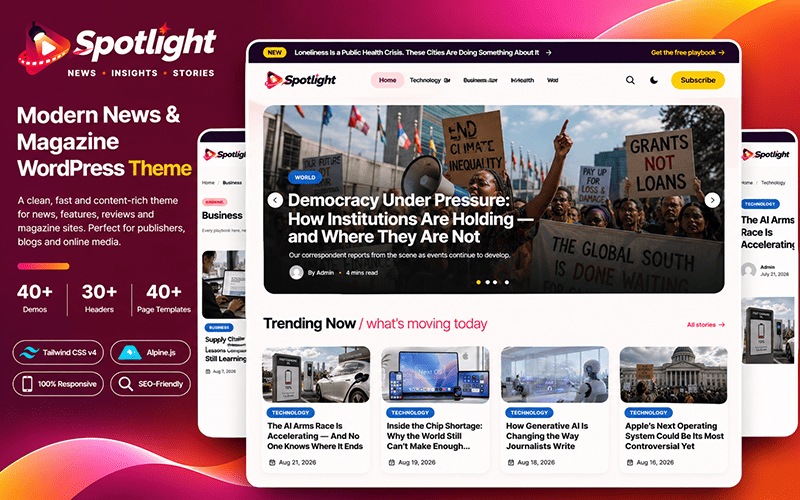
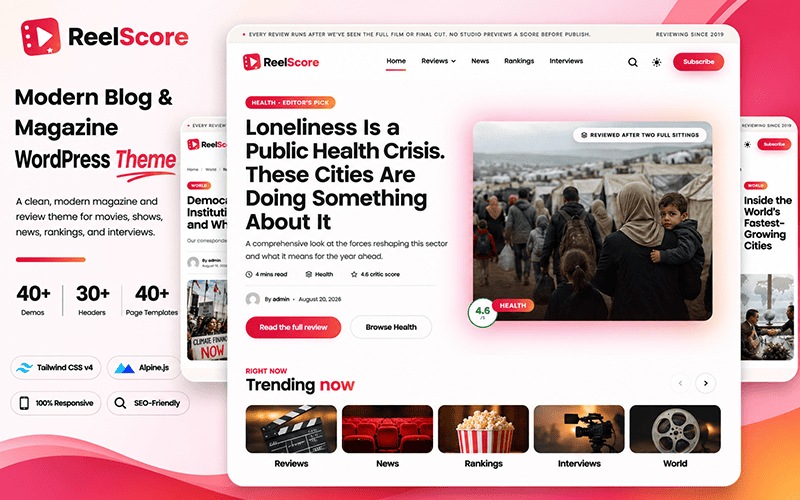
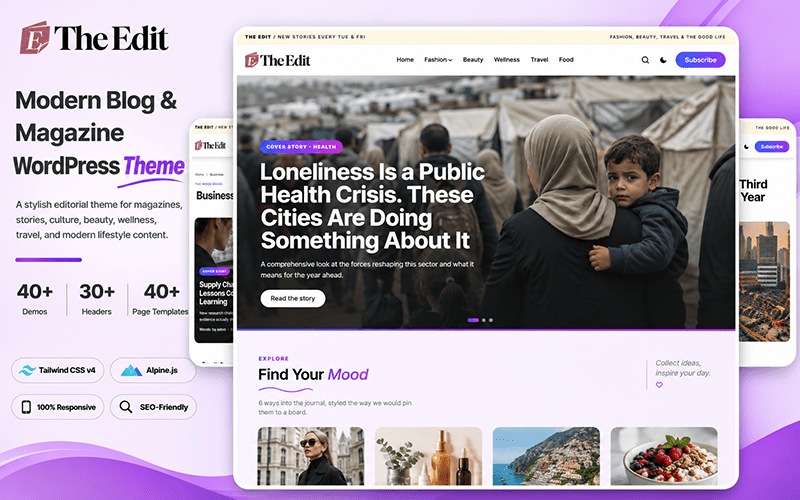
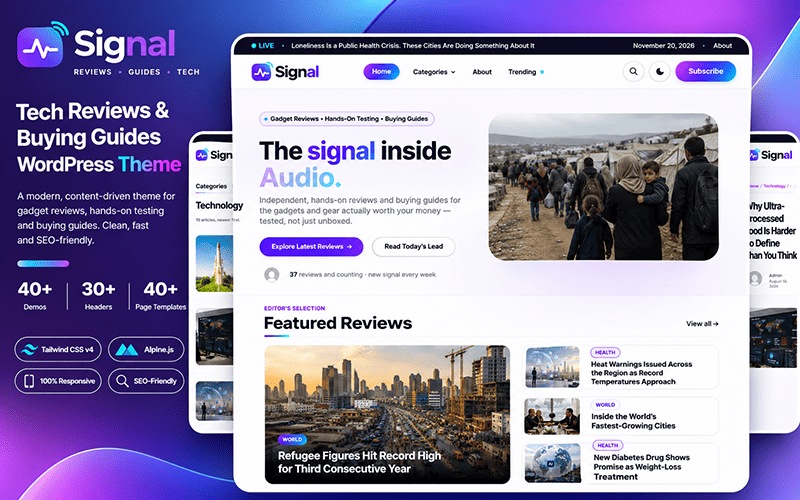
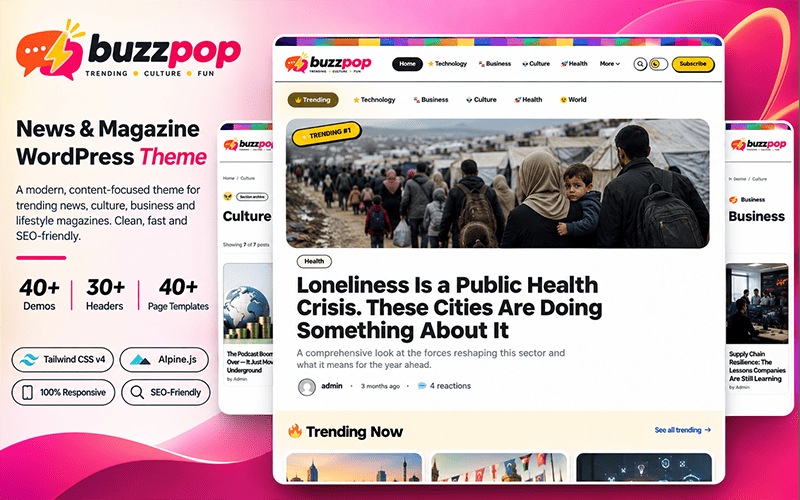
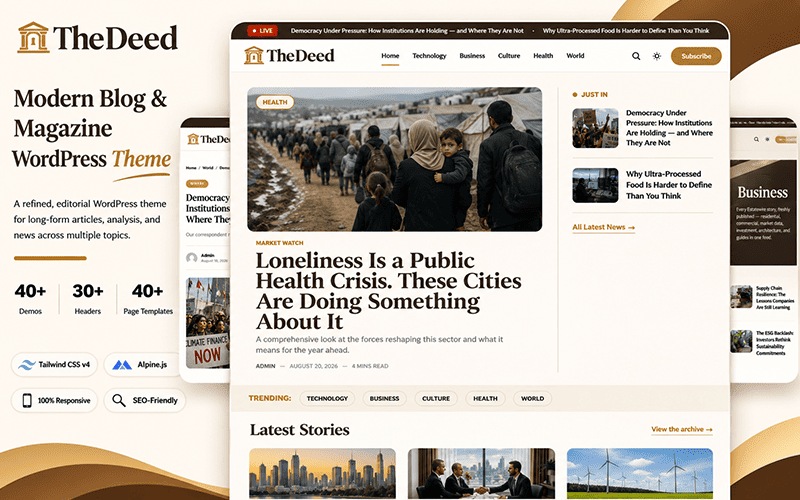
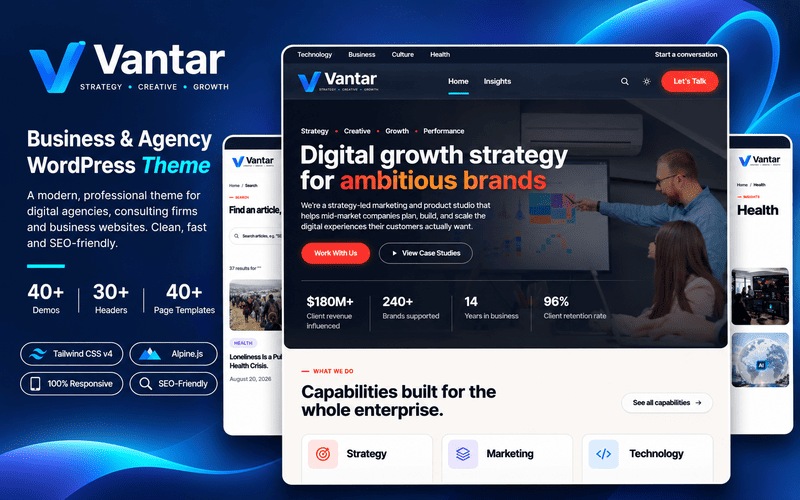
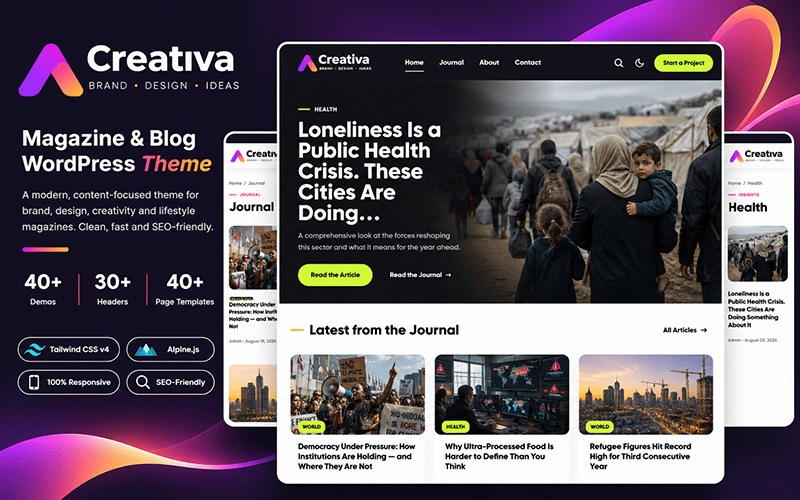
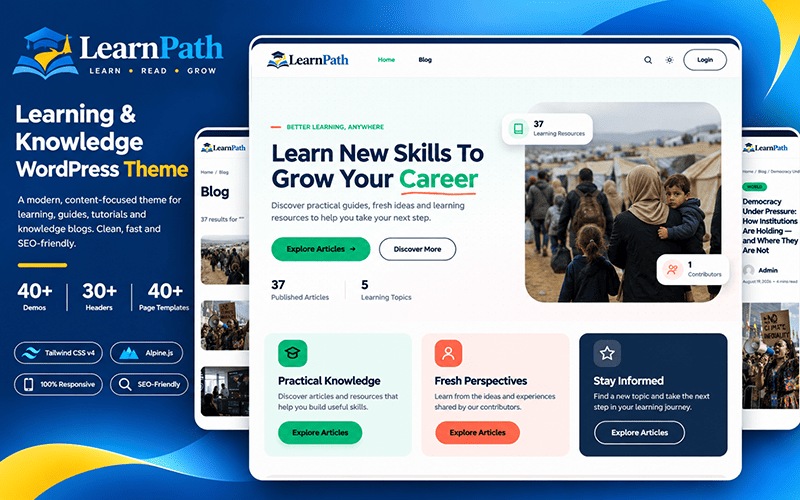
Designed for news, magazine, blog and business sites, every theme comes with automatic ad placement, built-in heatmaps and SEO. Buy any one and you unlock all 43 styles, with updates and support for as long as your plan is active.
Headline tests, content scores, revenue tracking, paywalls and AI search tracking are built into CTRSpace, so every post is planned, tested and measured without another plugin.
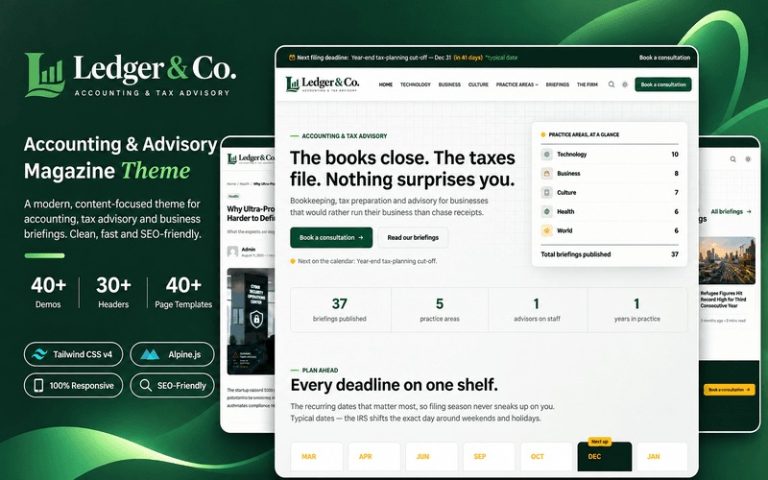
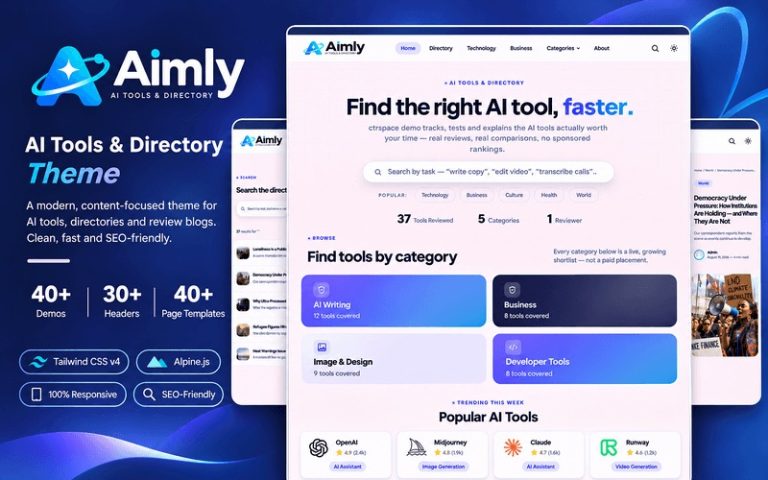
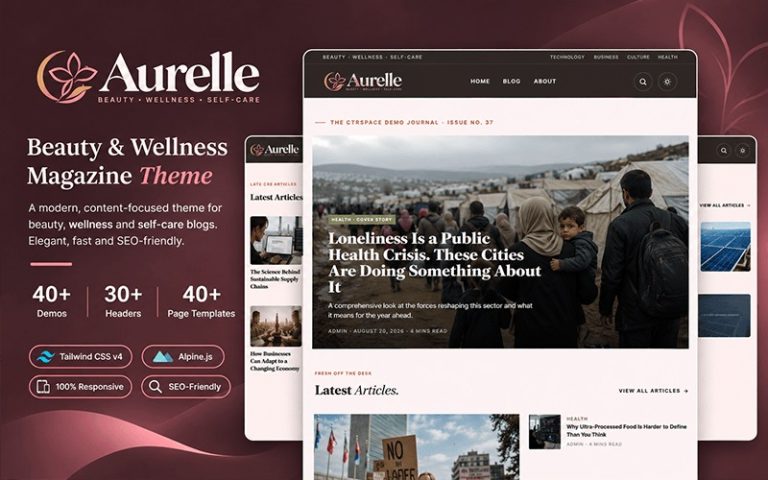
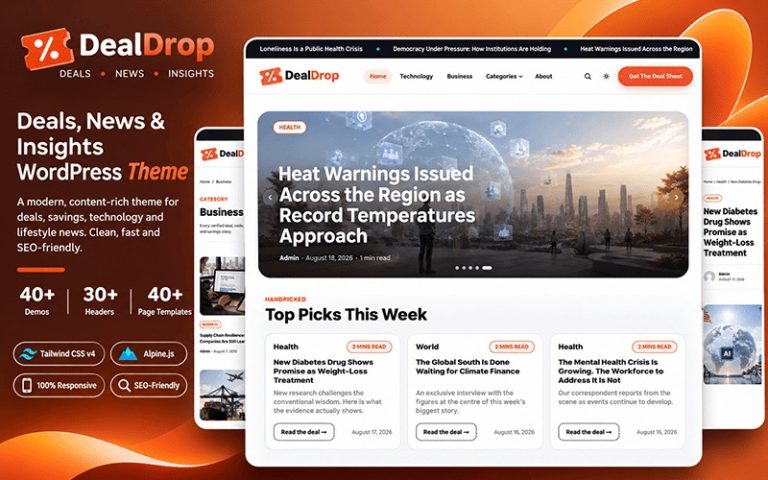
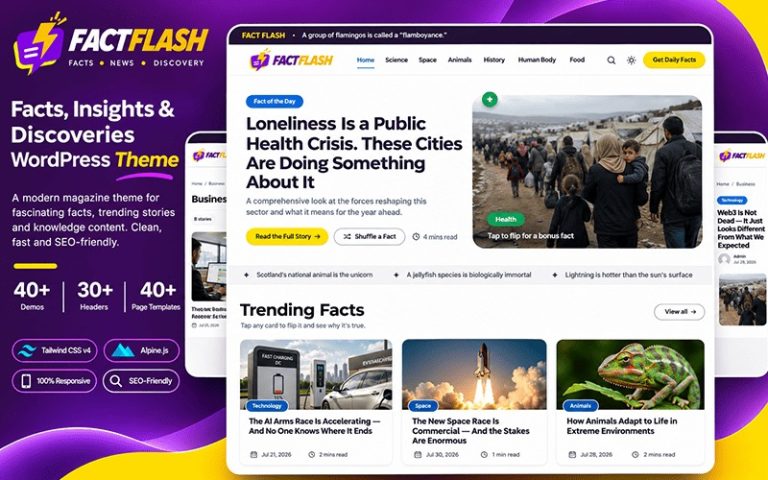
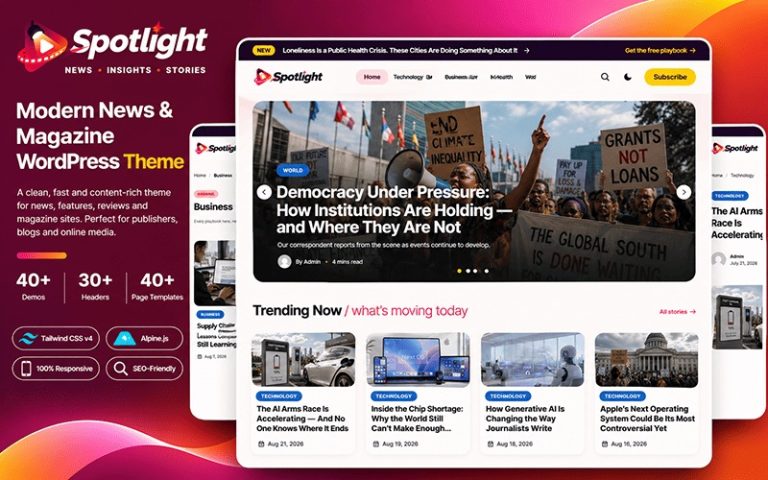
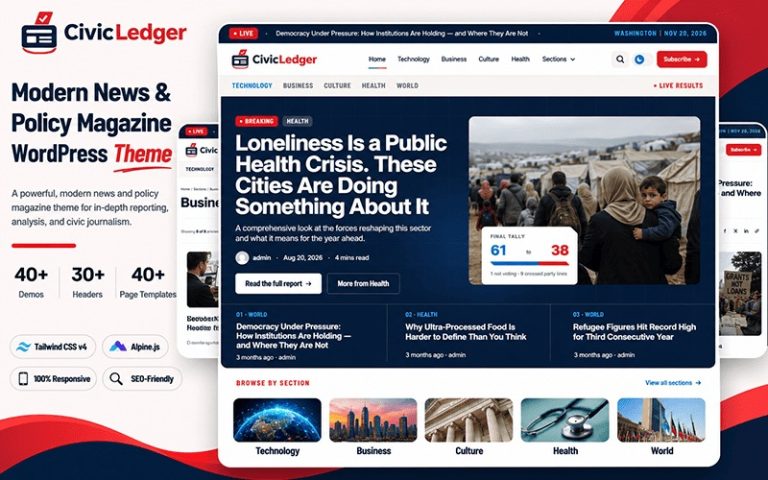
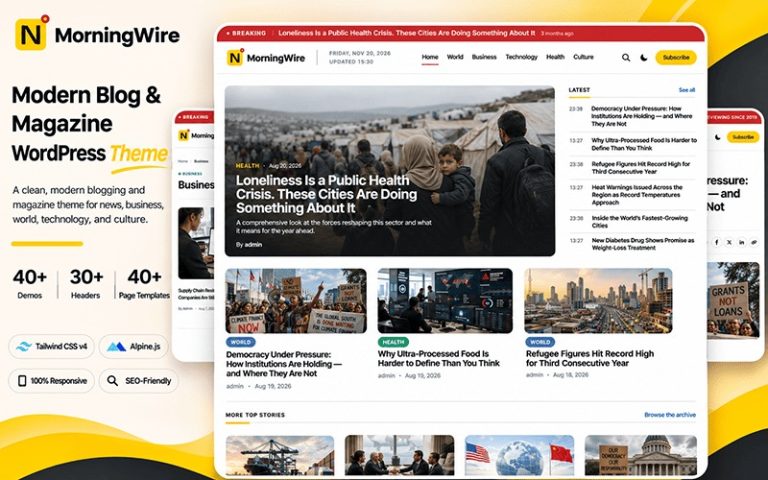
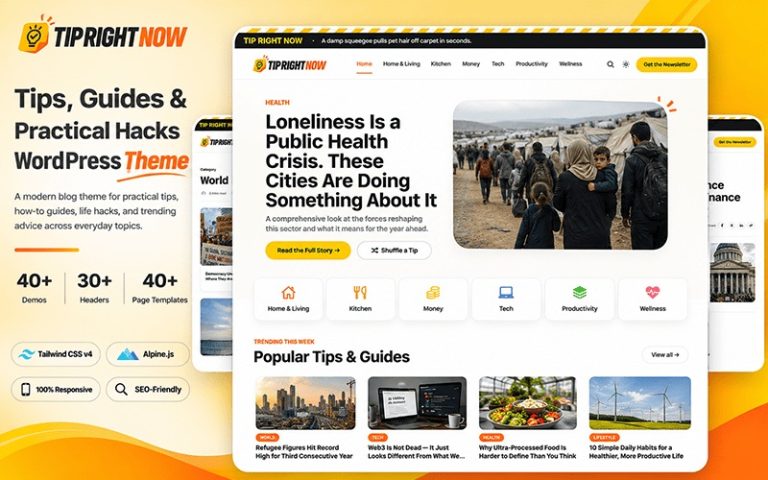
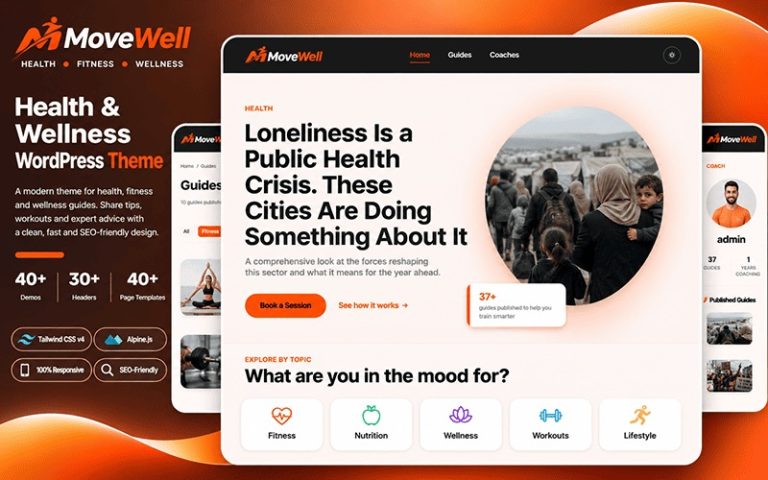
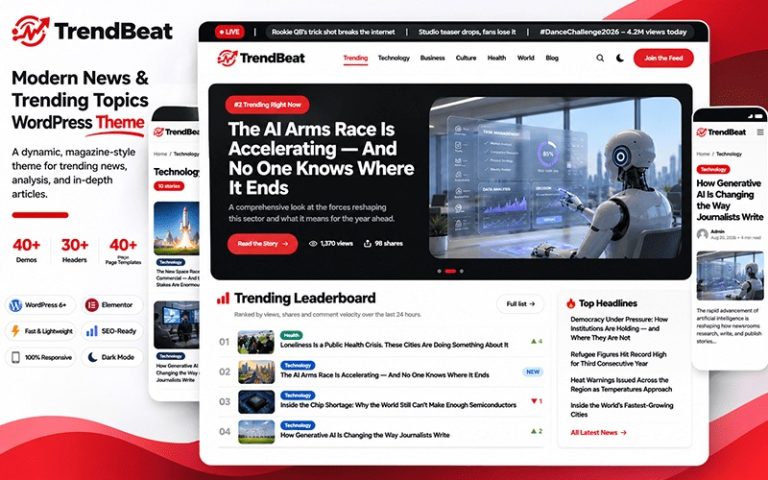
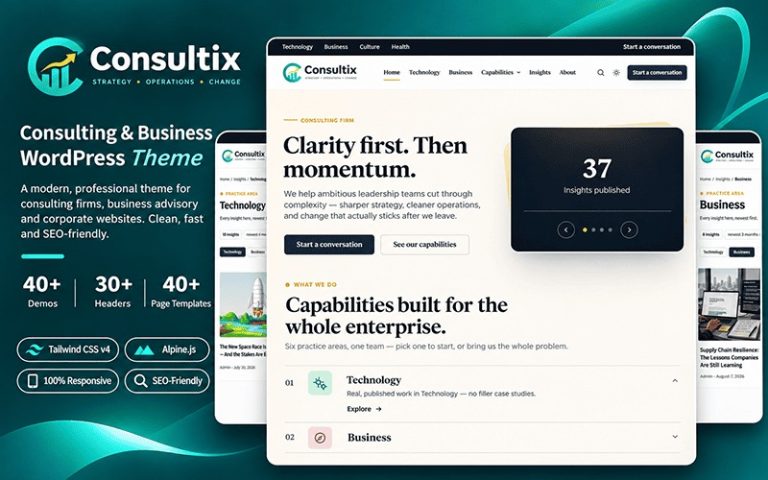
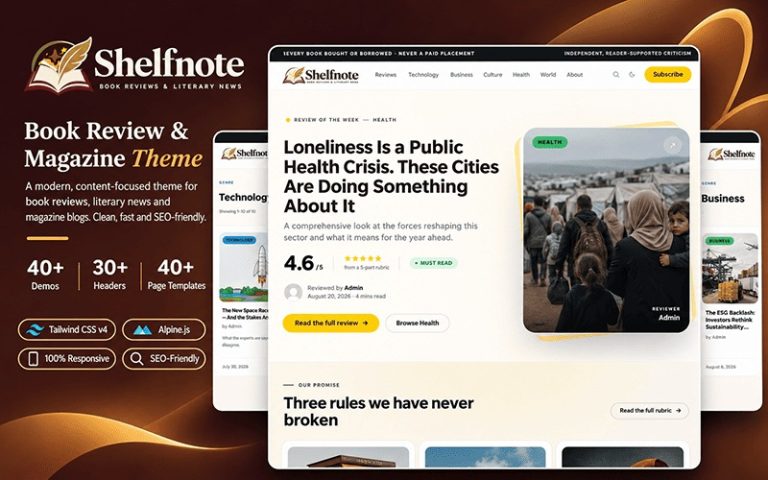
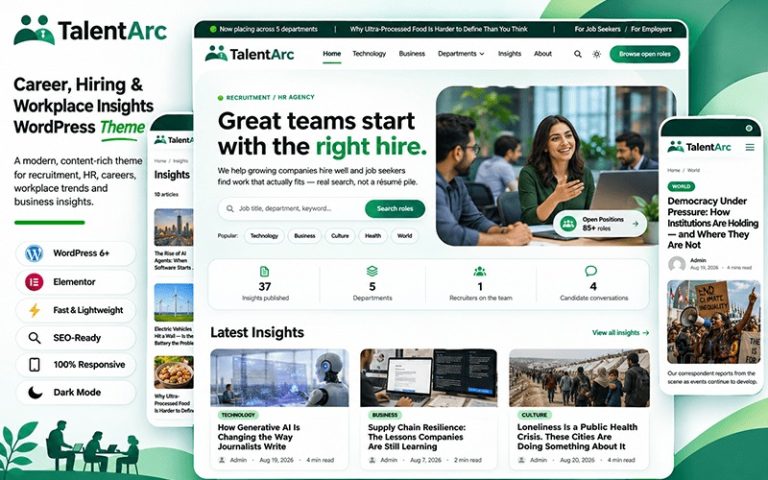
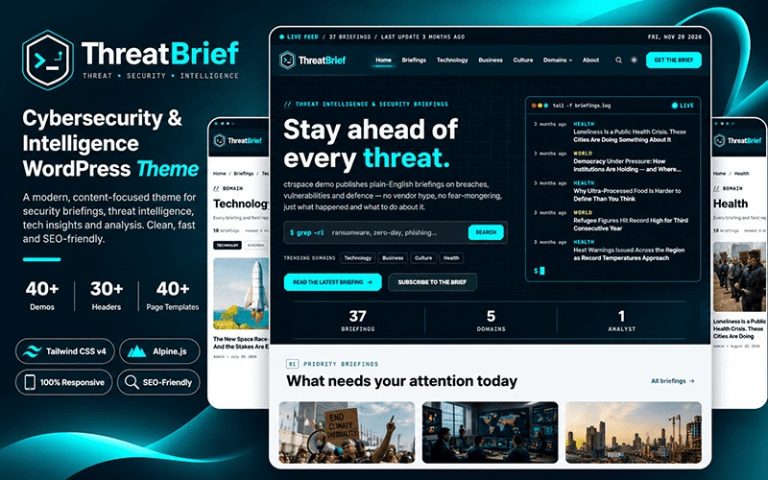
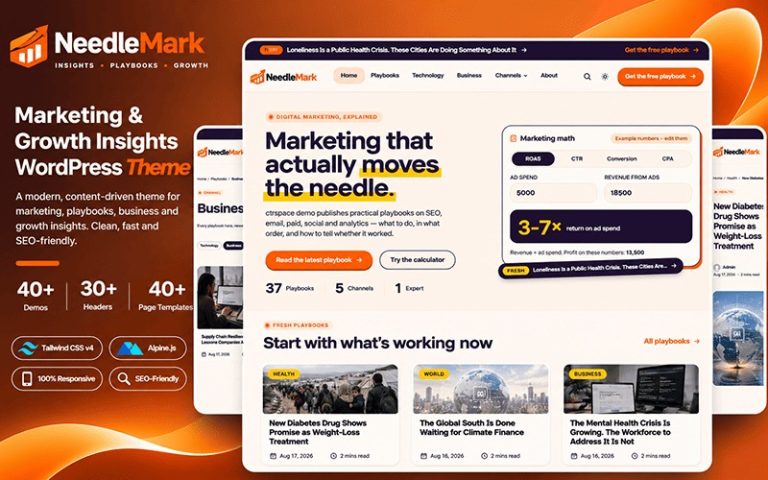
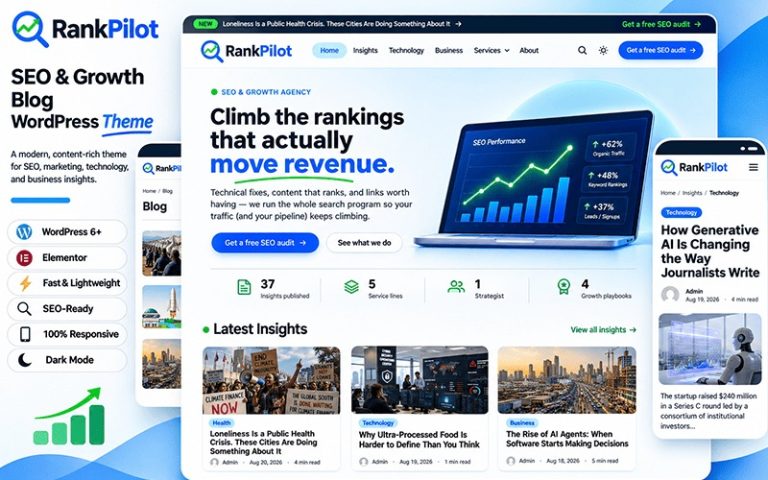
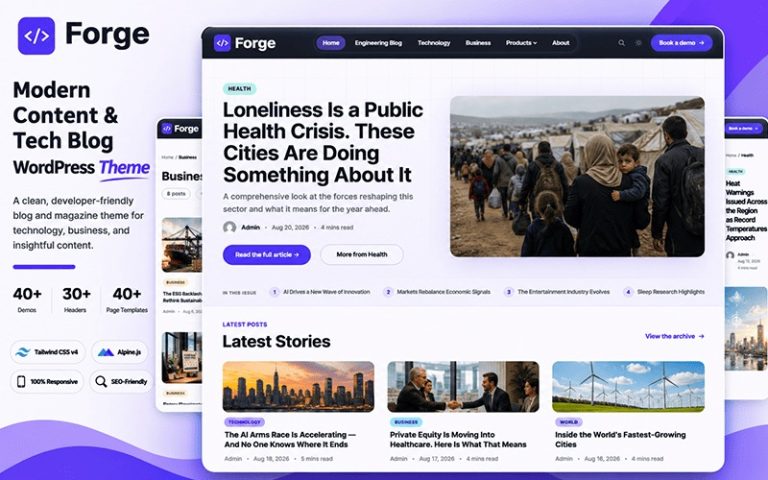
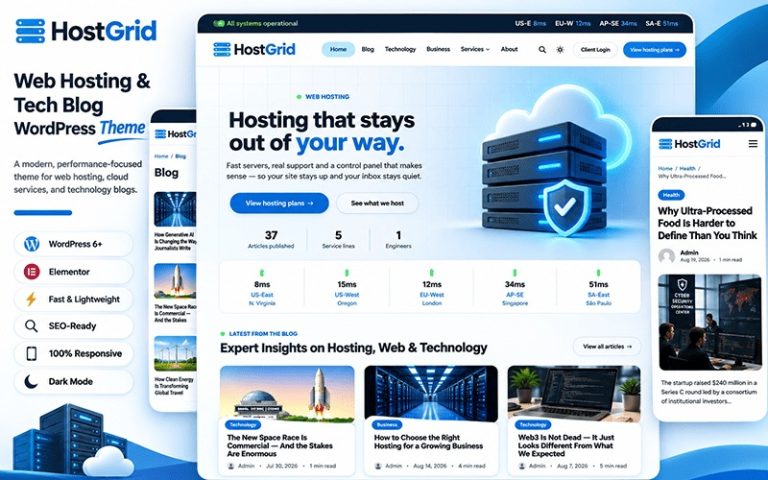
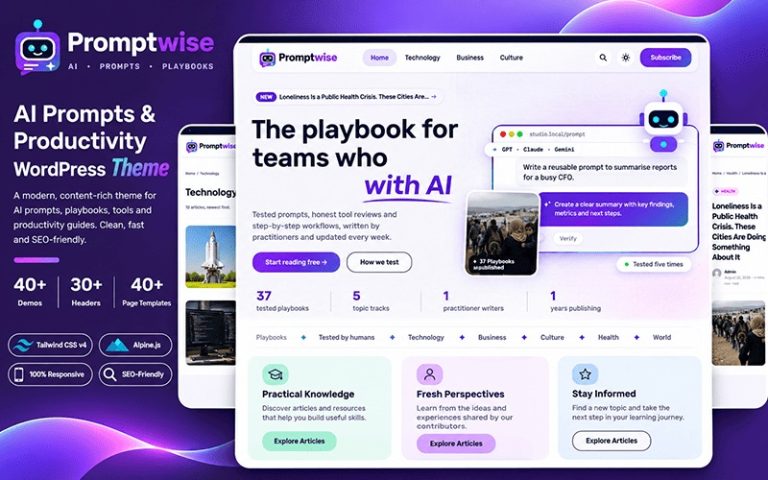
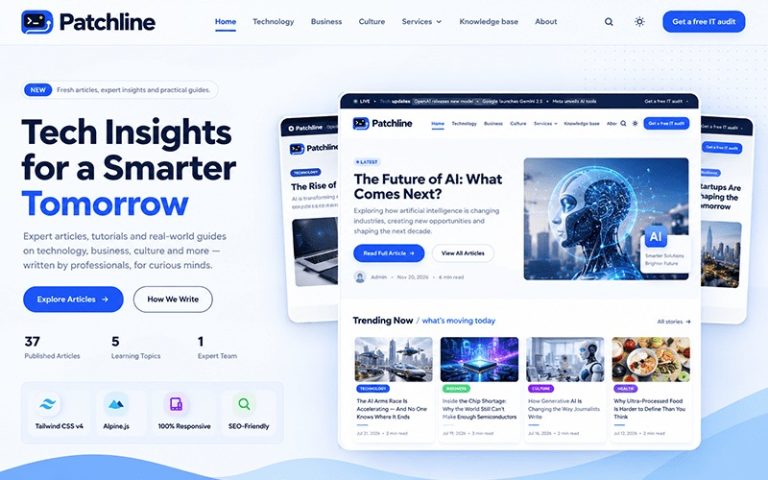
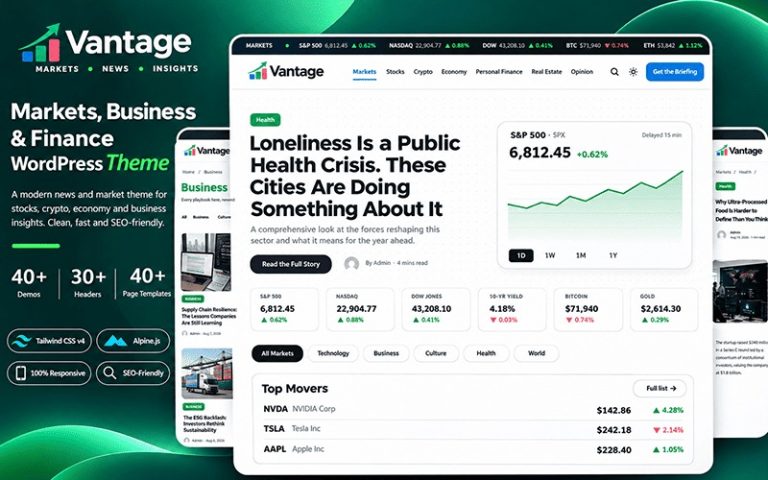
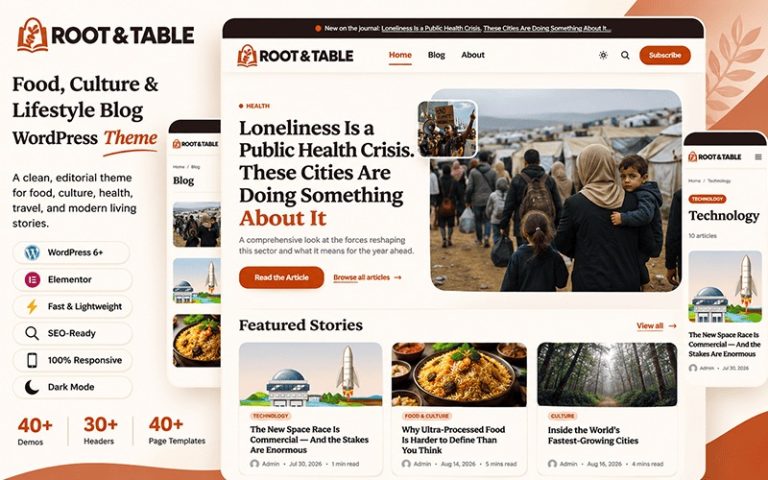
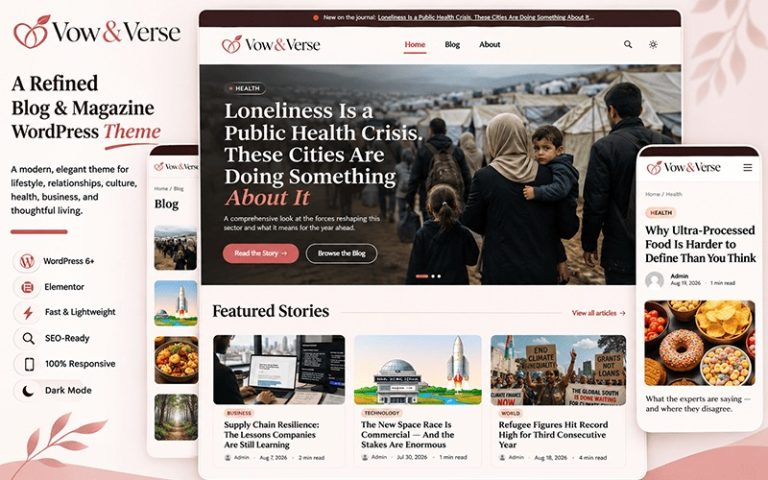
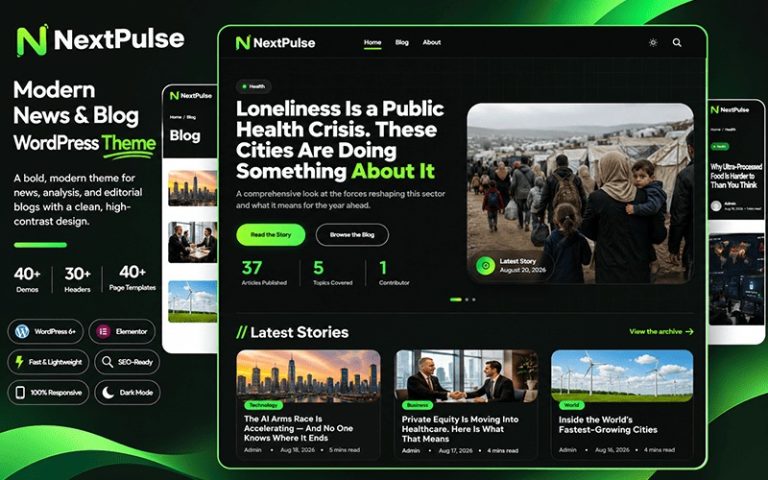
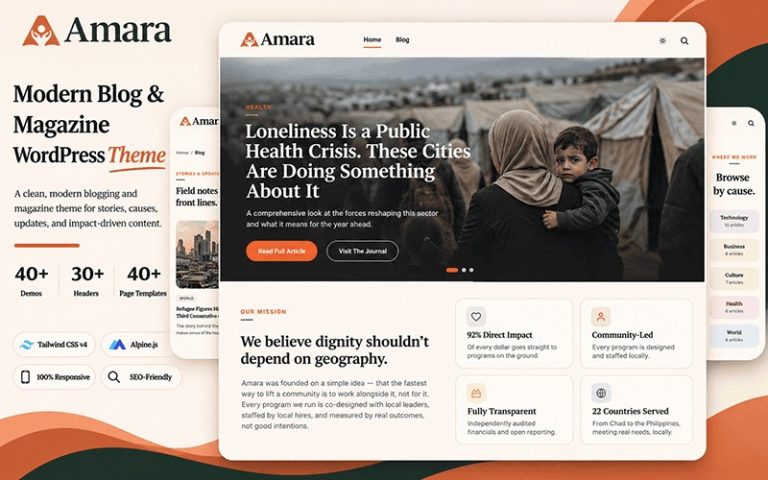
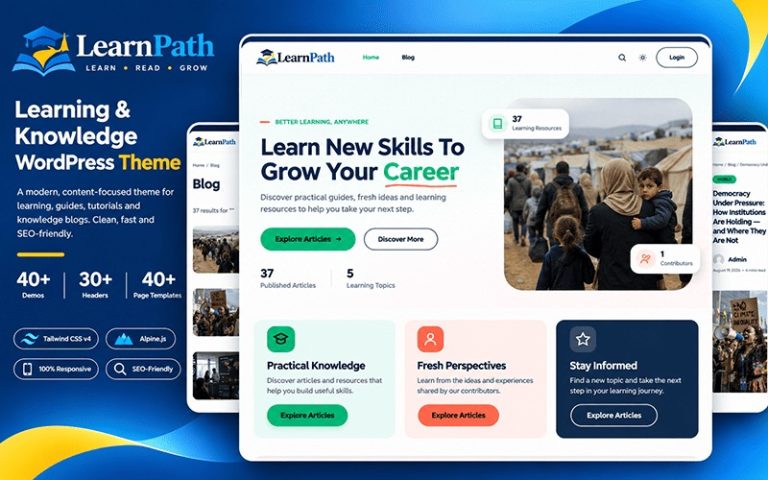
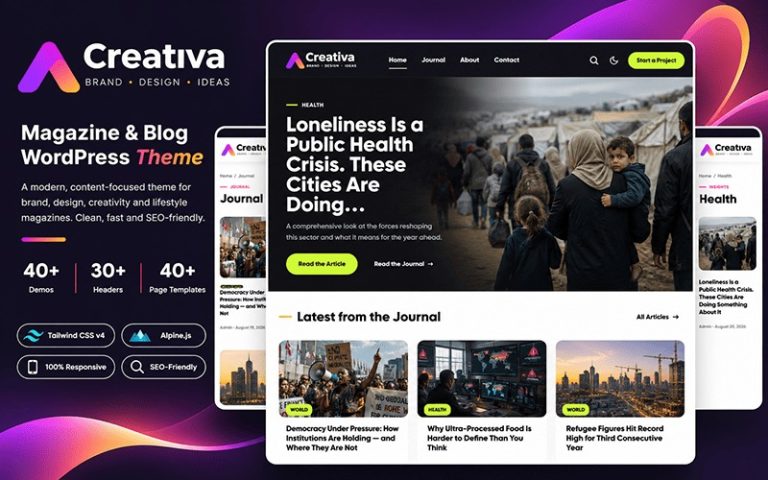
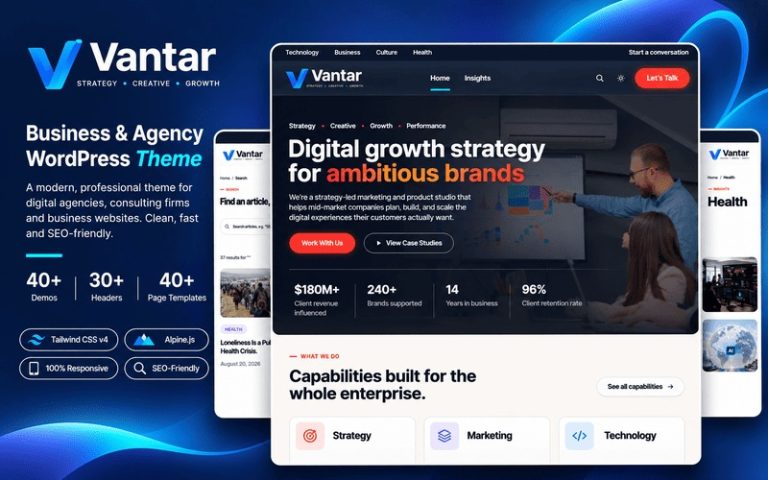
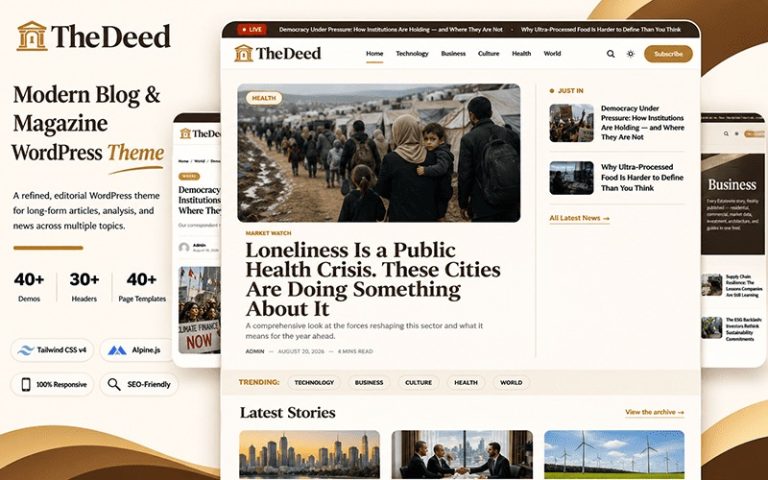
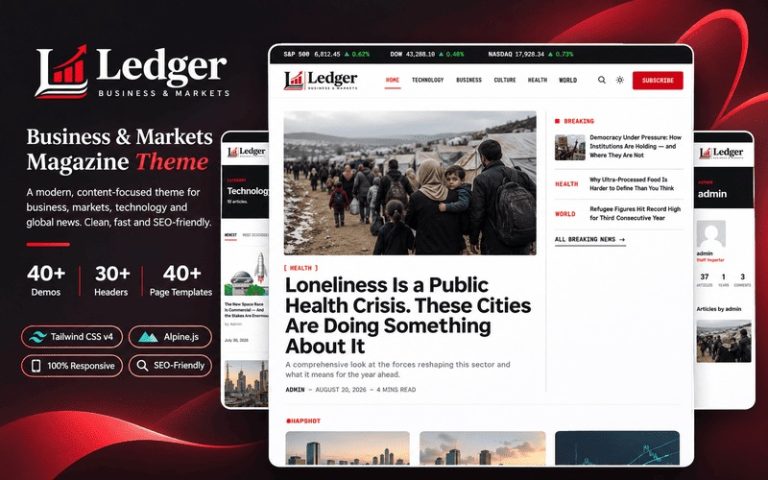
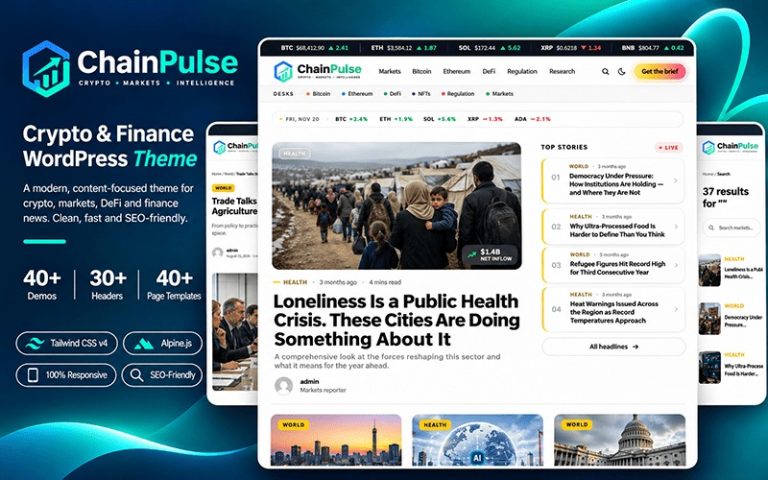
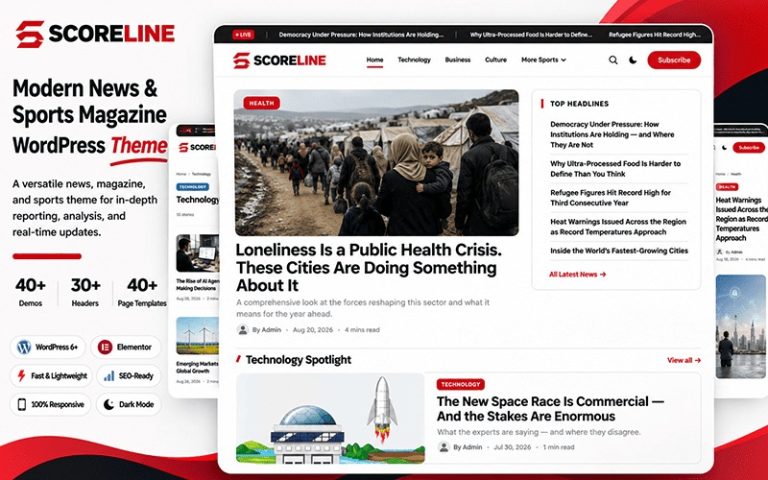
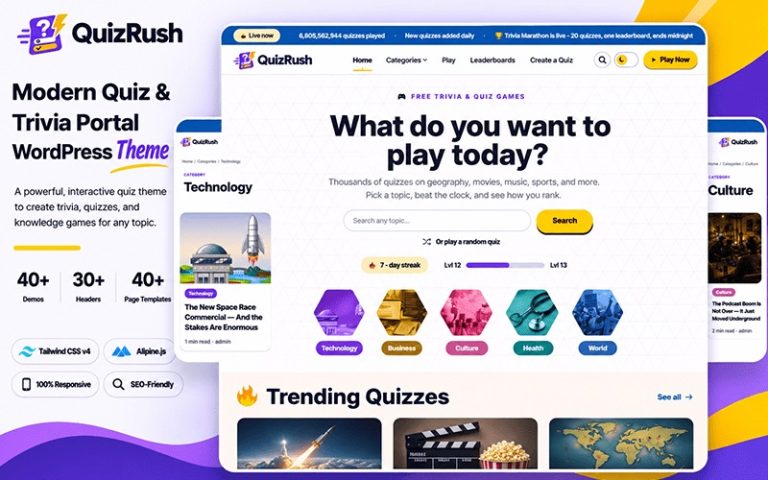
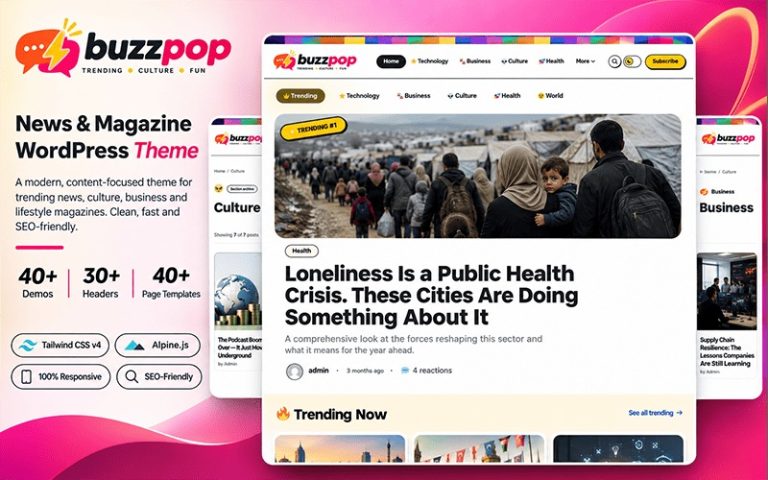
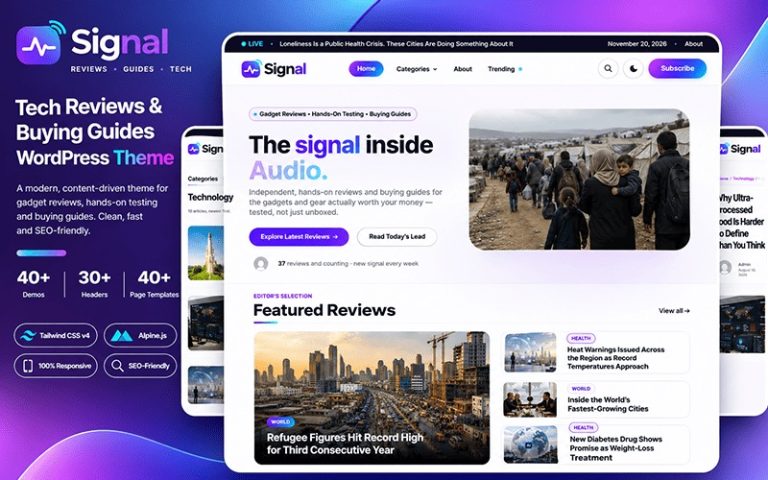
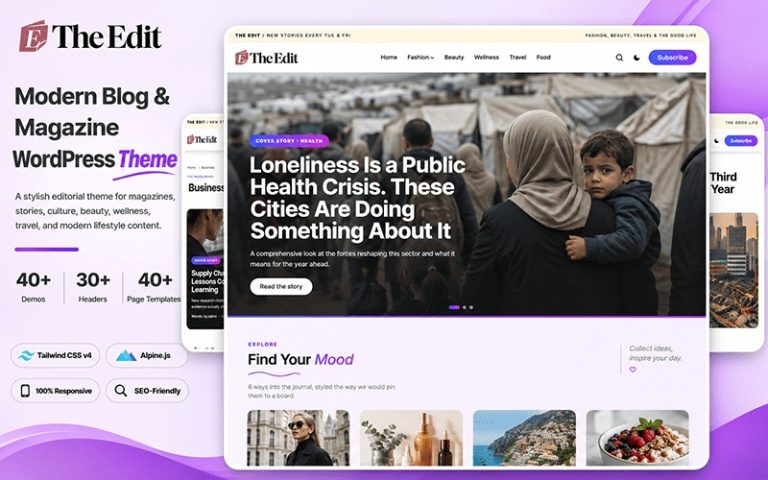
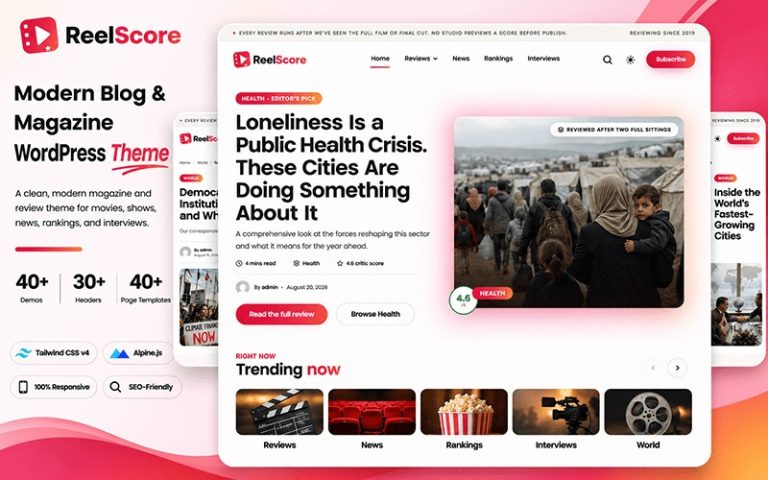
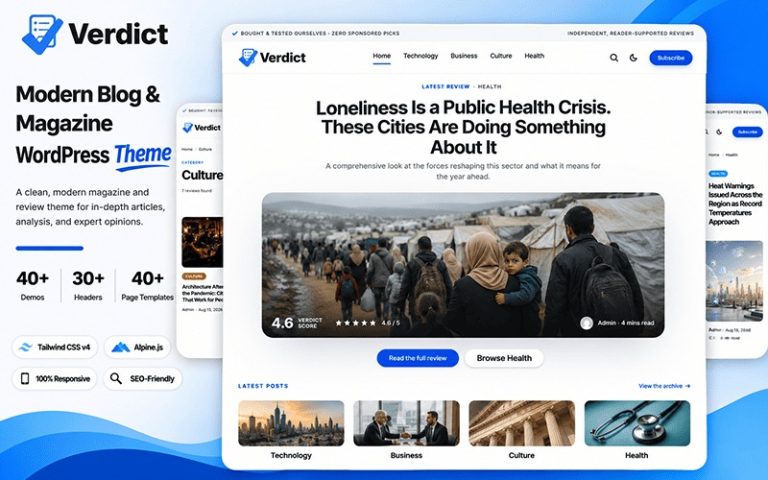
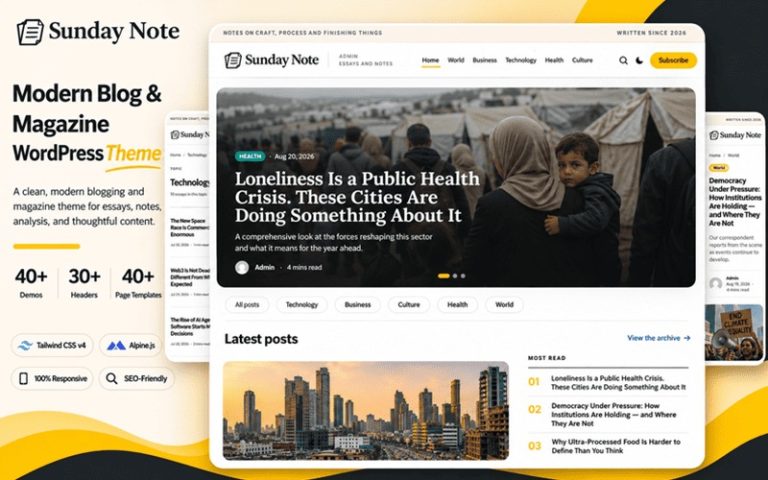
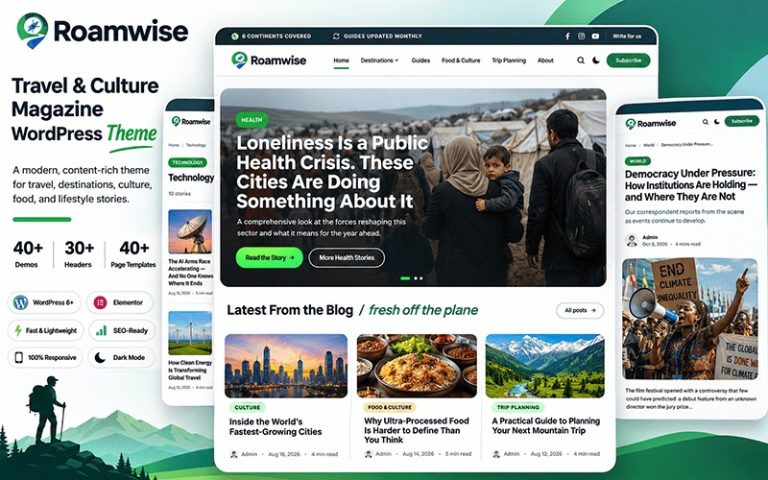
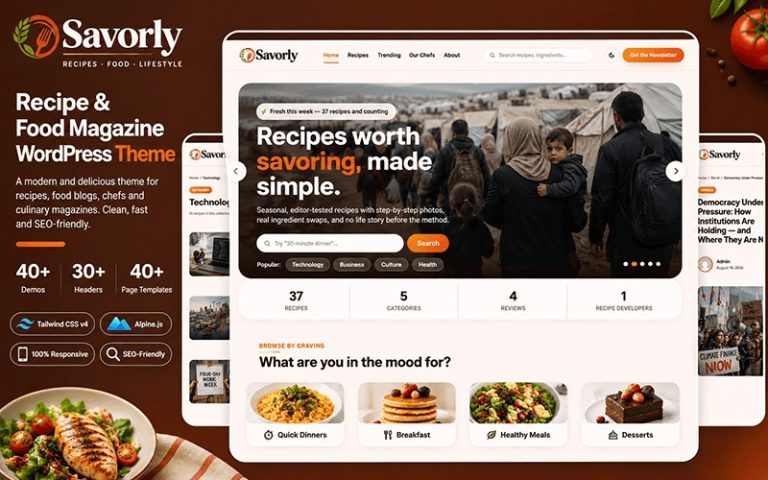
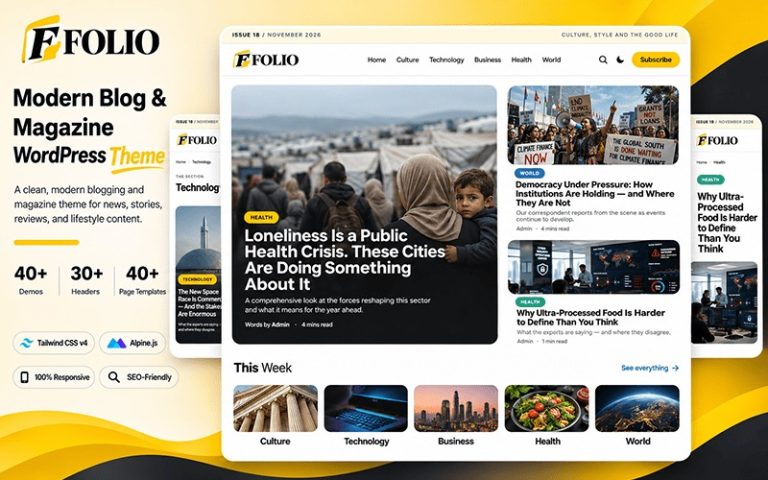
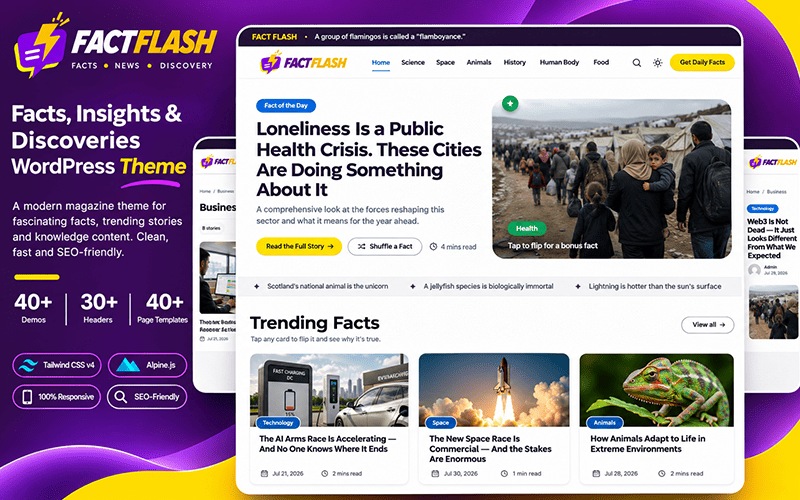
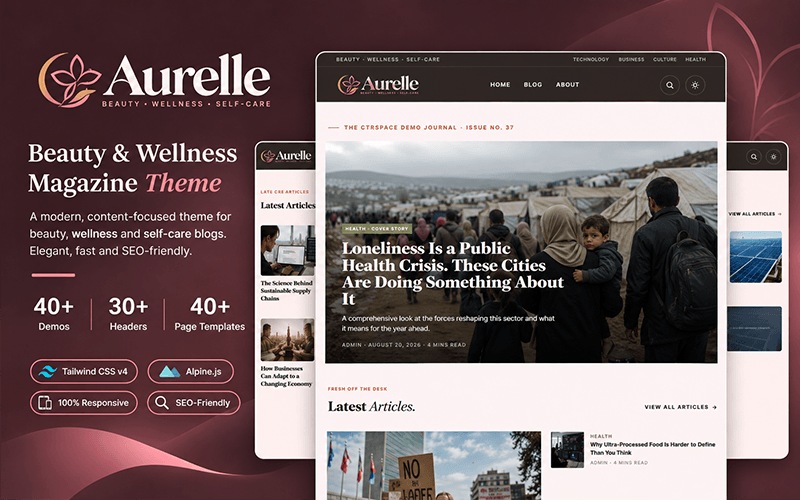
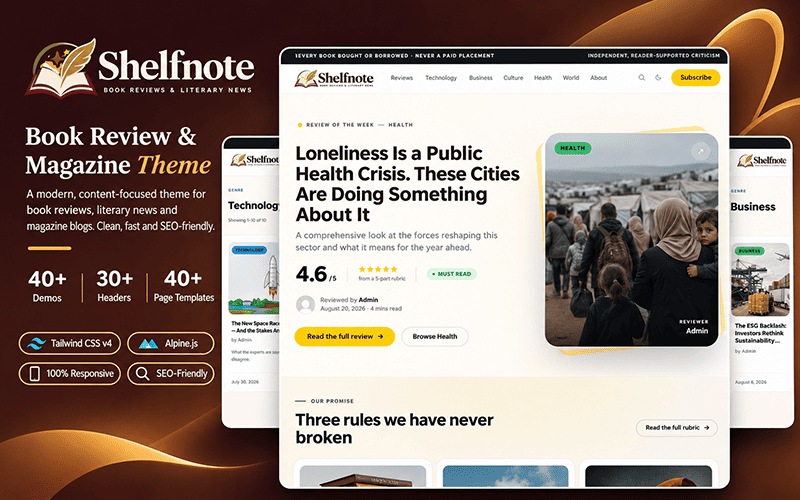
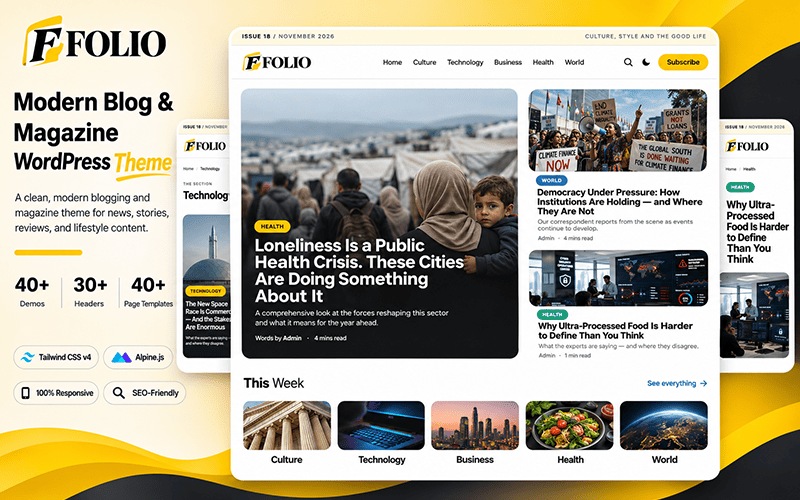
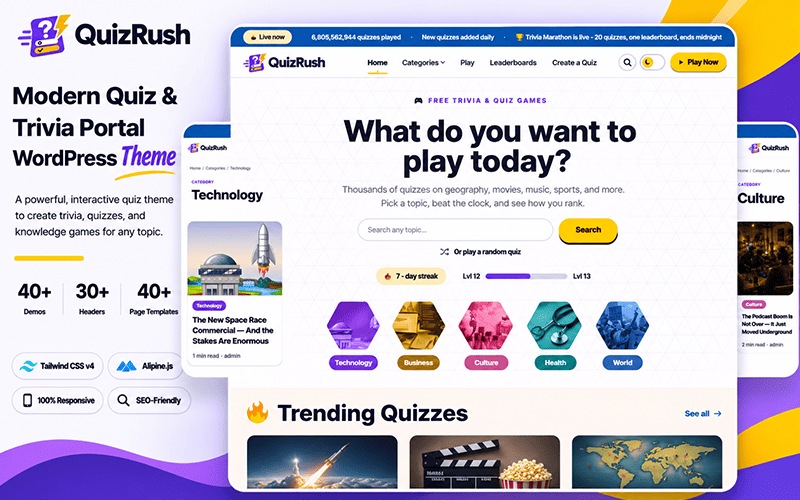
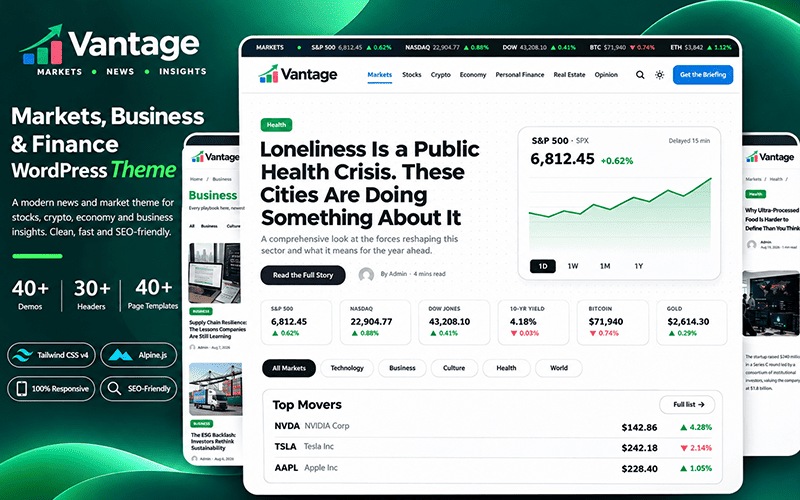
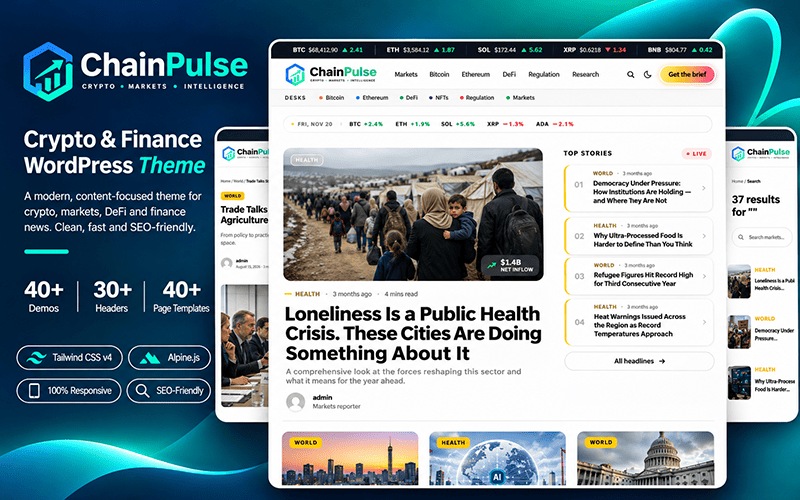
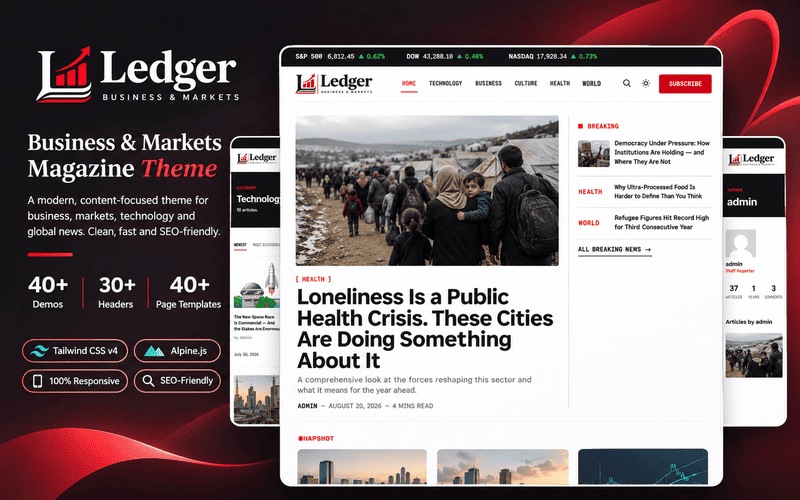
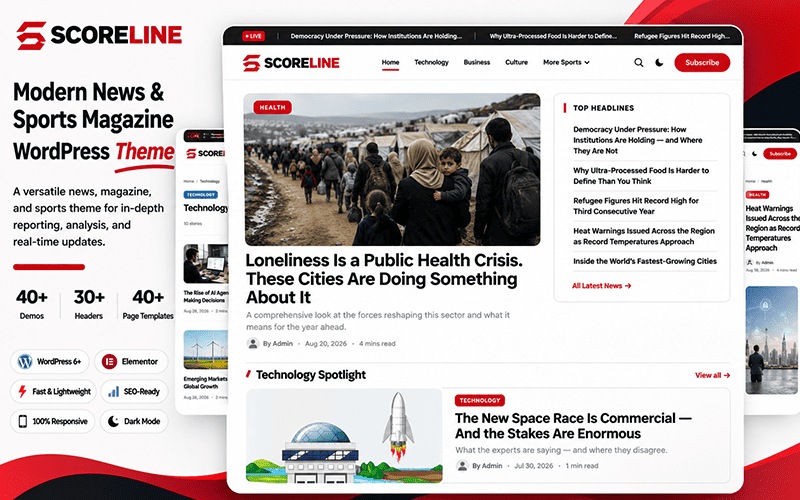
Open any live demo to see the design at work. Buy one theme and your licence unlocks every style, so you can switch niches later without paying again.
Place ads where readers engage, keep every page stable and fast, and pick from 43 designs that fit your niche, all from one theme.
Header, sidebar, sticky sidebar, inside articles, after content, footer and a mobile banner come built in. Add your AdSense slots and your layout is ready to earn.
See How Ads Work
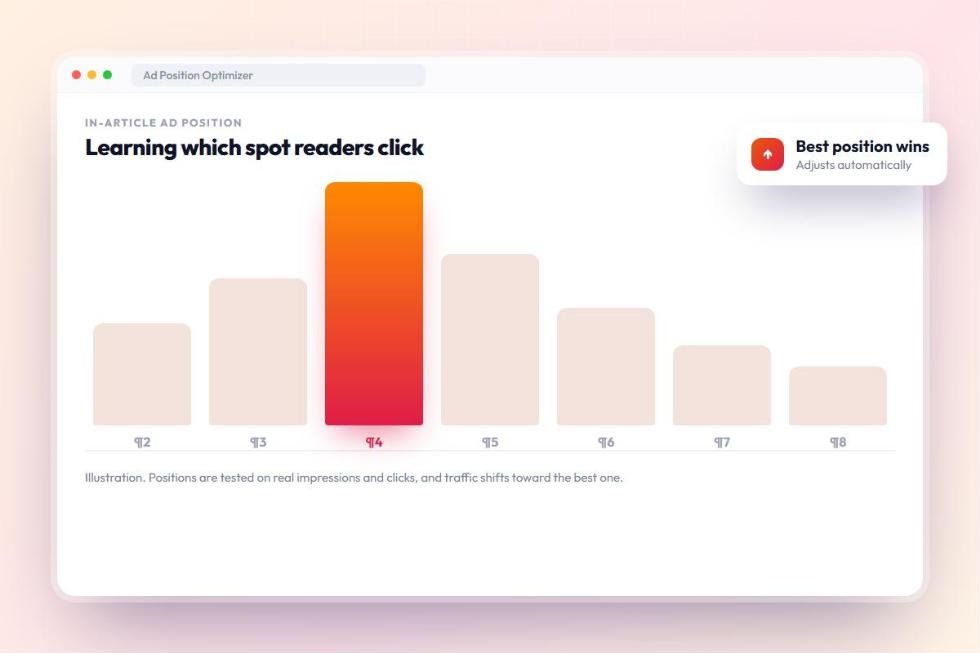
Choose the paragraph, scroll depth or first subheading for in-article ads, set the spacing between them, and turn ads off for any post or category.
Explore Ad Features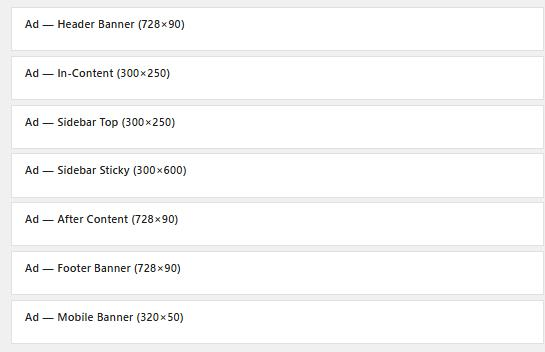
Switch your homepage and article layout from the Customizer, from news and magazine to blog and business. Every licence unlocks all of them.
Browse the Themes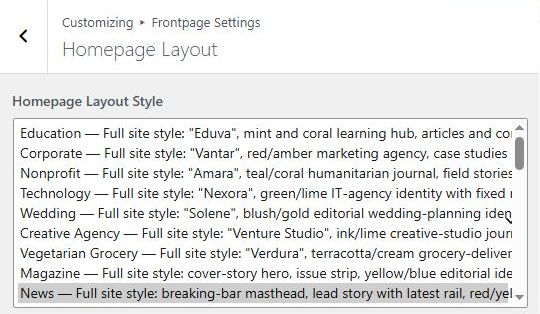
Skip short posts, keep paragraphs between ads, and let heatmap placement put the ad after the paragraph readers click most, so ads stay visible without crowding the story.
See Heatmap Placement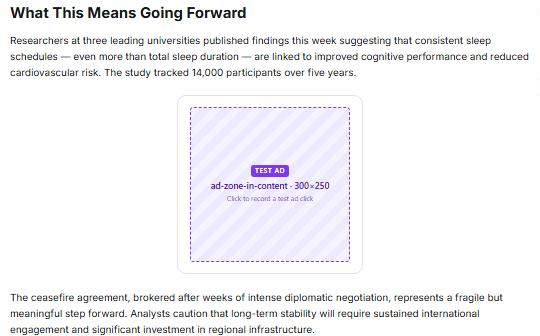
Ad space is reserved before the ad loads, so the page stays steady while readers scroll. A Google PageSpeed test of ctrspace.com measured 0.002 Cumulative Layout Shift on desktop.
Compare the Plans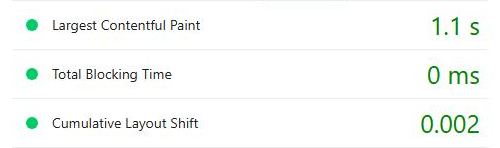
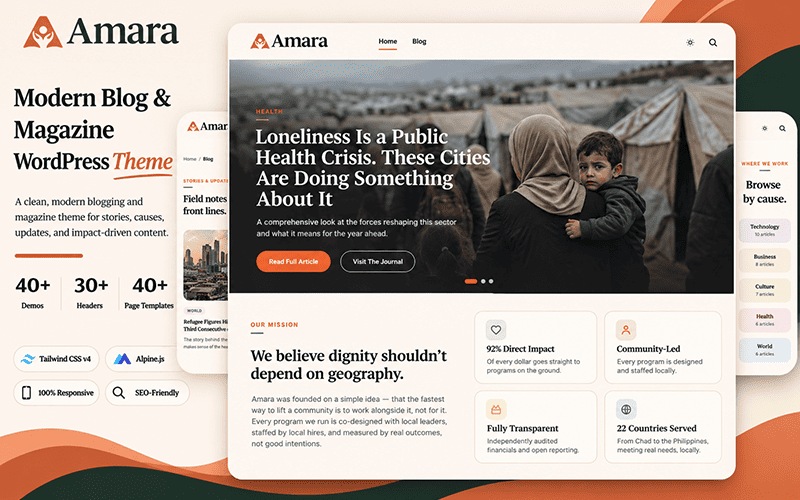
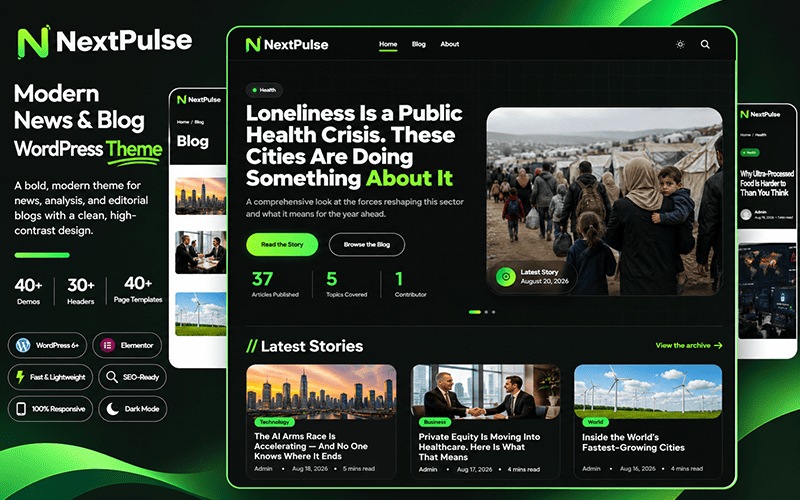
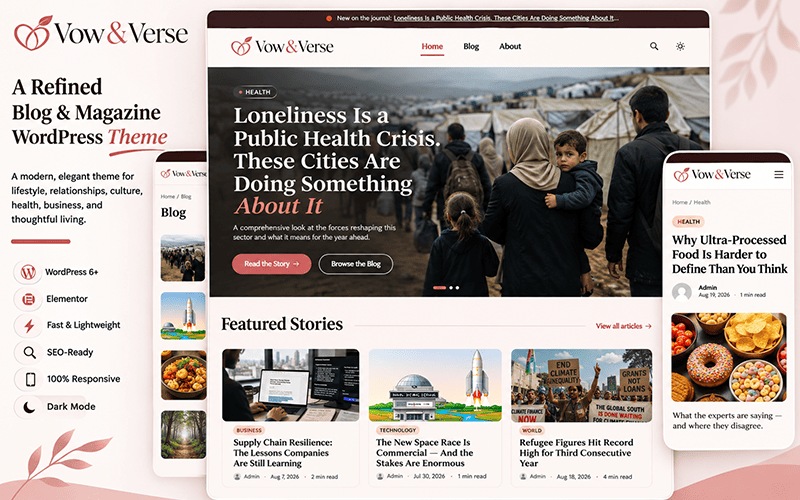
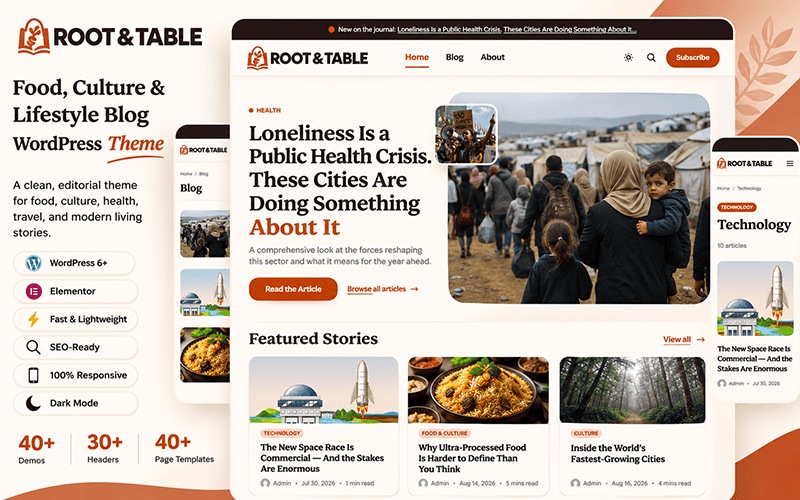
Pick from 43 site styles, then fine-tune colors, typography and layout in the WordPress Customizer. Every style has its own header, footer and templates, so your whole site stays in sync.
Dark mode, mobile and tablet controls and one-click demo import come with it, so you can launch from a ready-made site and still make every detail your own.
See What You Can Customize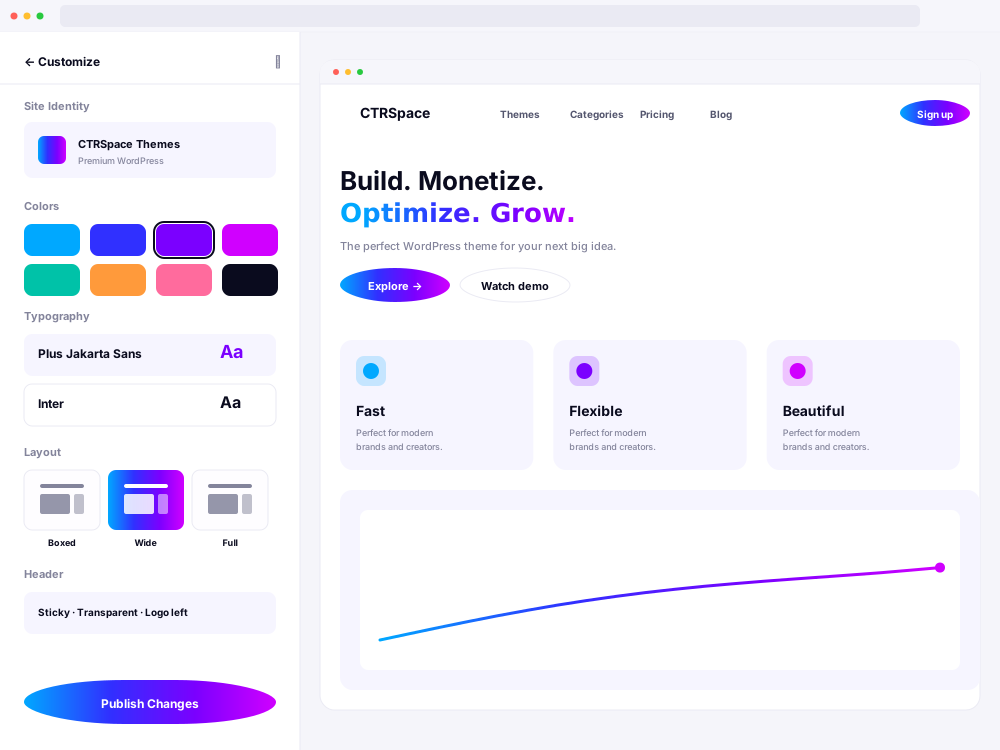
Lazy loading, a lean build and self-hosted assets keep pages light, and the results show up in PageSpeed Insights and Lighthouse.
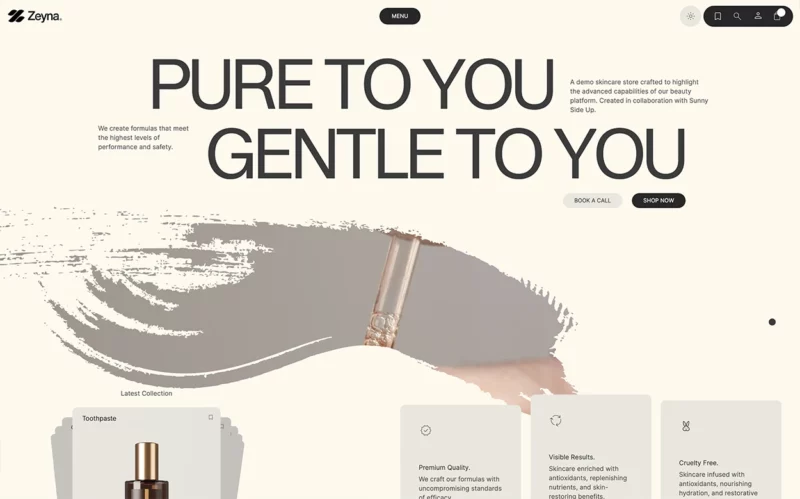
Lazy loading and a minified build keep every page light.
Reserved ad space stops the page jumping while it loads.
Strong Core Web Vitals and built-in SEO tools work in your favour in search.
Fast, stable pages are easier to read and easier to come back to.
Set spacing, visibility and layout separately for desktop, tablet and mobile, and target ads by device, so every reader gets a page that fits their screen.
Made for the Browsers Your Readers Use
Every plan includes all 43 styles, seven ad zones, built-in SEO, heatmaps and analytics, so you build, monetize and improve your publication from one place.
43 styles for news, magazine, blog and business sites, each with its own header, footer and templates.
Switch styles from the Customizer, set layouts per device and reuse block patterns, without being locked into one look.
Lazy loading, a lean build and reserved ad space. PageSpeed measured 0.002 layout shift on desktop.
Seven ad zones, automatic placement and AdSense revenue tracking, and CTRSpace never takes a share of your ad revenue.
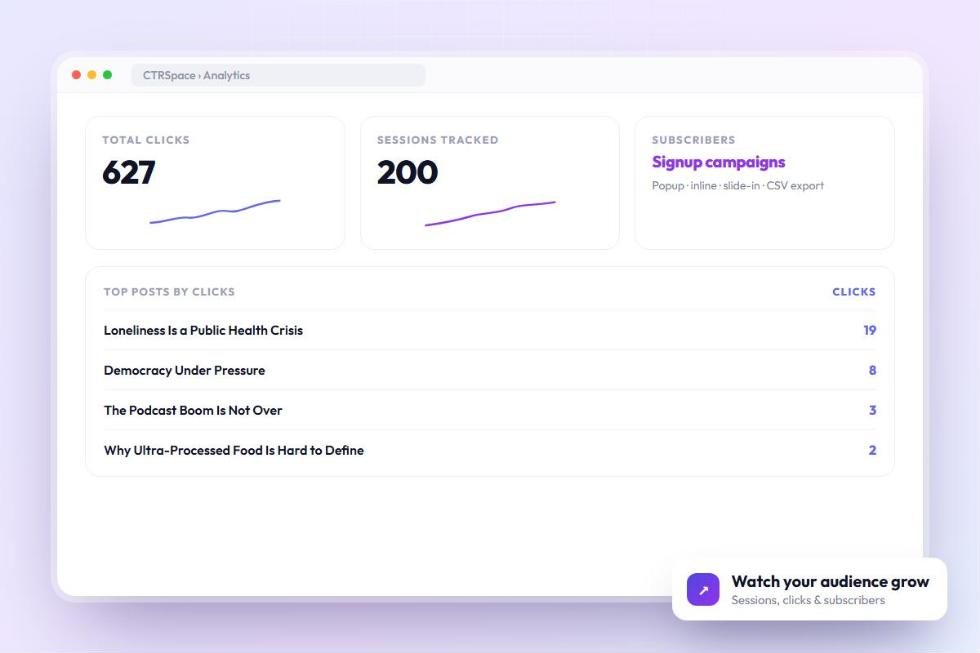
Click and scroll heatmaps and analytics run on your own site, with no external scripts.
Start with a design you can explore before you buy, then follow the setup guide to make it yours.
CTRSpace is a WordPress theme built for publishers: blogs, magazines, news sites and business websites. Alongside 43 ready-made site styles, it gives you built-in ad placement and optimization, SEO tools and fast, mobile-first layouts, so you can build, monetize and grow your site from one place.
Yes. Every CTRSpace licence, including the single-site Publisher plan, unlocks all 43 site styles. Buy any theme, then switch your whole site to a different style from Appearance → Customize whenever you like, without paying again.
Yes. Every theme has a Live Preview that opens the full working demo, so you can click through the homepage, article pages, menus and mobile layout before you choose.
CTRSpace includes seven ad zones: header, inside articles, sidebar, sticky sidebar, after content, footer and a mobile banner. Connect AdSense, give each zone its own ad slot, and the built-in optimizer measures impressions and clicks to learn which in-article positions perform best. CTRSpace never takes a share of your ad revenue.
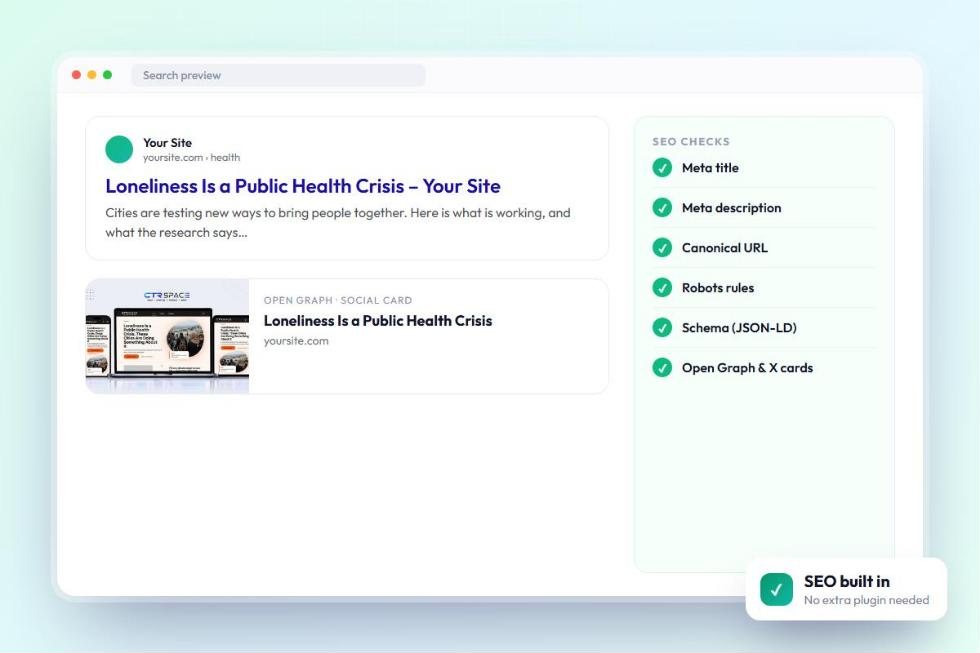
No. CTRSpace handles titles and descriptions, canonical URLs, robots controls, social sharing metadata, structured data and on-page content analysis. If you already use Yoast, Rank Math, AIOSEO or SEOPress, CTRSpace detects it and steps back so the two never conflict.
Publisher ($49/year) covers 1 website, Pro ($99/year) covers up to 3 and Network ($249/year) covers up to 10. Every plan includes all 43 styles, the ad tools, updates and support. Pro and Network can add extra sites for $49 per site per year, or you can upgrade at any time.
Plans are billed yearly. If you don’t renew, your site and everything you have published stay exactly where they are. Theme updates, support and licence-based services need an active subscription.
You are covered by a 14-day refund period on eligible purchases. If CTRSpace doesn’t work as described and our support team can’t fix the issue, request a refund within 14 days of purchase. You can also reach support any time from the Contact page.
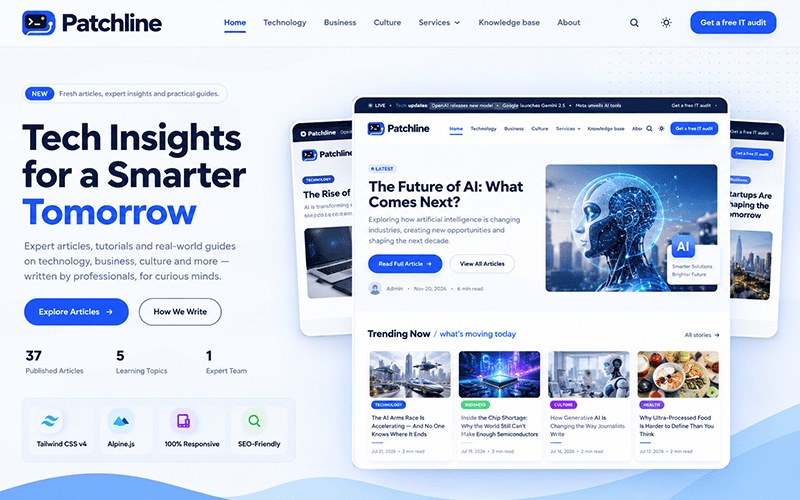
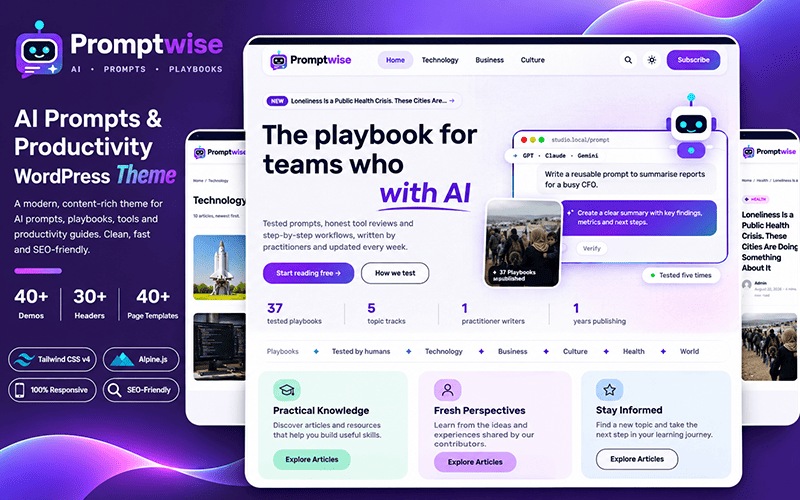
Preview the designs and choose a WordPress theme that fits the content you publish.